Doors & Locks
After pressing the “Doors & Locks” button on the touchscreen, the following settings will be available:
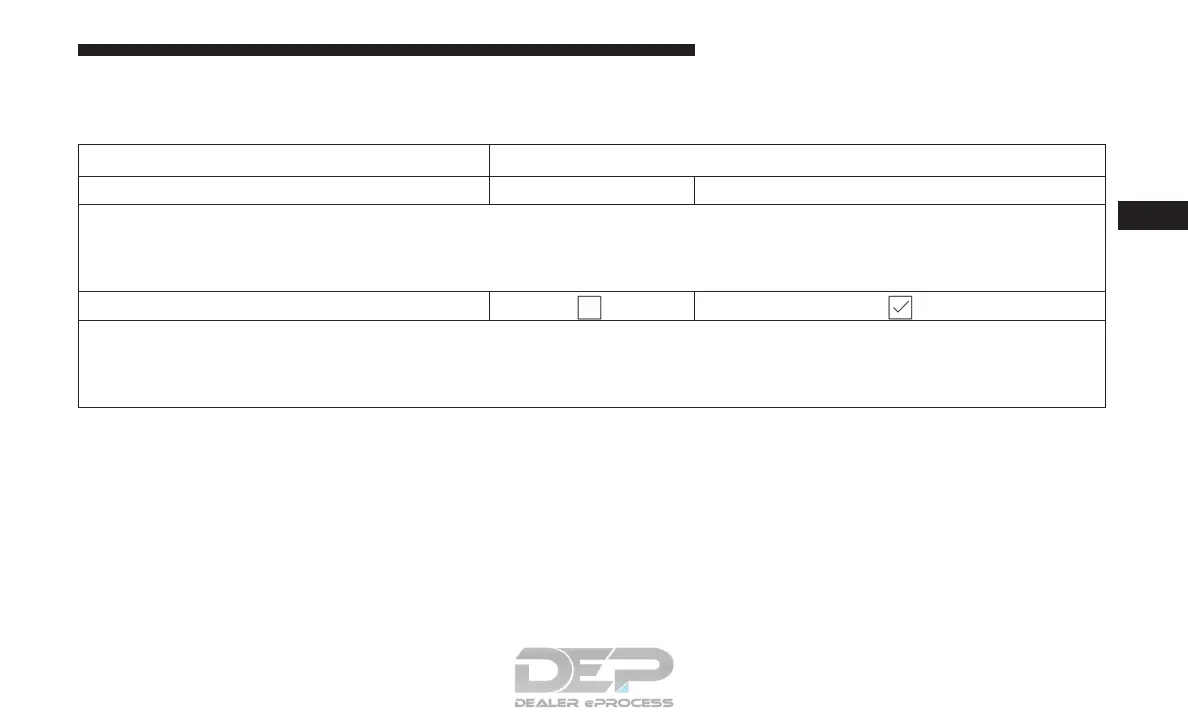
Setting Name Selectable Options
Auto Door Locks On Off
NOTE:
When the “Auto Door Locks” feature is selected, all doors will lock automatically when the vehicle reaches a speed of
12 mph (20 km/h).
Auto Unlock On Exit
NOTE:
When this feature is selected, all doors will unlock when the vehicle is stopped, the transmission is in the PARK or
NEUTRAL position and the driver’s door is opened.
4
UNDERSTANDING YOUR INSTRUMENT PANEL 309















 To Next Page