186 MULTIMEDIA
Navigation — If Equipped
When the Navigation button is pressed on the touchscreen, the system displays options related to the vehicle’s built-in navigation system. These
settings can change which icons display on the map, how “time to arrival is calculated”, and route types.
For more information on Navigation and settings, refer to the Uconnect Owner’s Manual Supplement.
Trailer
When the Trailer button is pressed on the touchscreen, the system will display settings related to trailer towing.
Camera
When the Camera button is pressed on the touchscreen, the system displays the options related to the vehicle’s camera features.
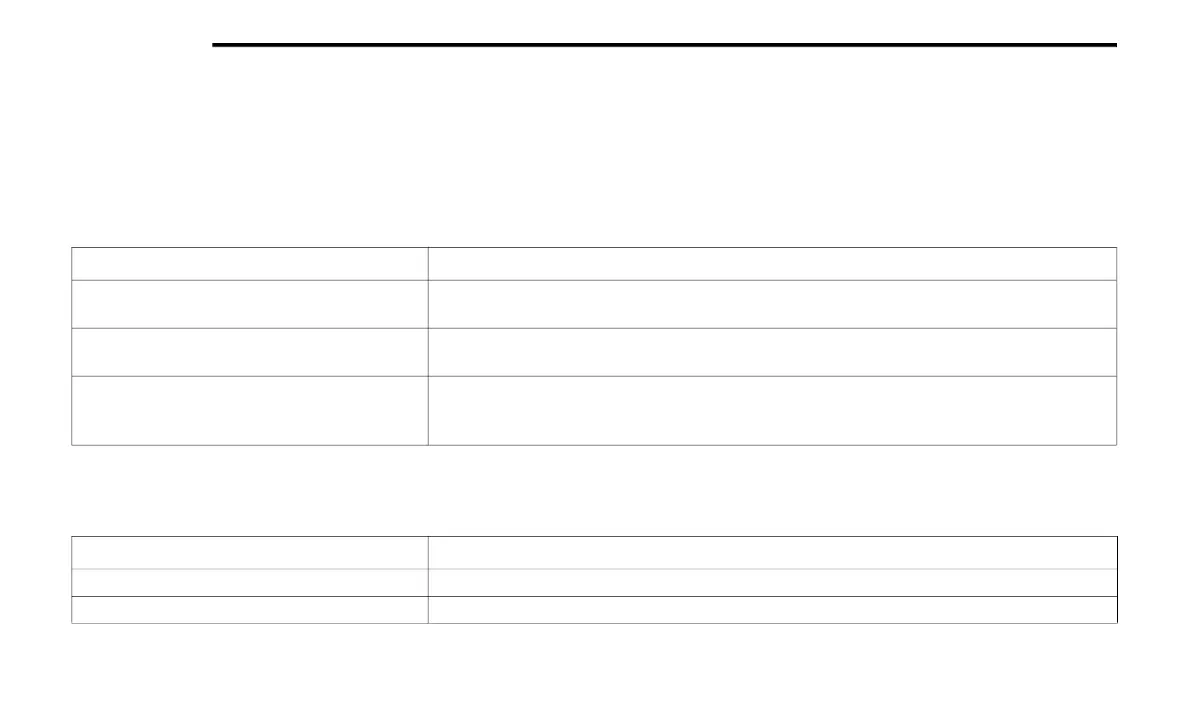
Setting Name Description
Trailer Select
Select from “Trailer 1”, “Trailer 2”, “Trailer 3”, and “Trailer 4”. These trailer designations can be
used to save different trailer settings.
Trailer Brake Type
This setting will set the system to a specific trailer type. The available options are “Light Electric”,
“Heavy Electric”, “Light Electric-Over-Hydraulic”, and “Heavy Electric-Over-Hydraulic”.
Trailer Name
This setting will personalize the trailer name depending on the type of trailer you are hauling.
Select the trailer name from the following list: trailer, boat, car, cargo, equipment, flatbed, horse,
livestock, motorcycle, snowmobile, travel, and utility.
Setting Name Description
ParkView Backup Camera Delay This setting will add a timed delay to the rear backup camera when shifting out of reverse.
ParkView Backup Camera Active Guidelines This setting will turn the active backup camera guidelines on or off.
21_WD_OM_EN_USC_t.book Page 186















 To Next Page