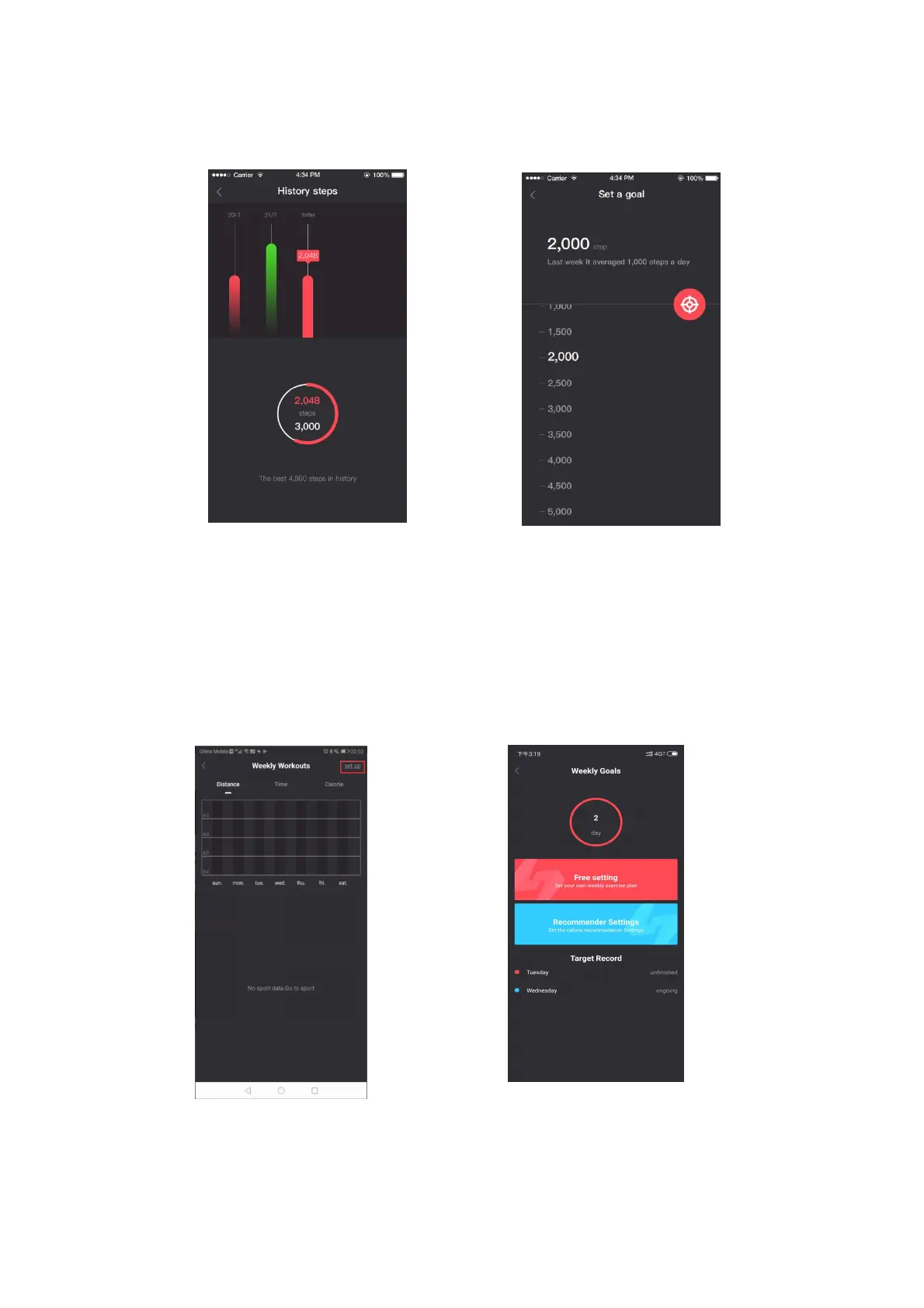
Pic.20 Step goal not reached Pic.21 Step goal setting
6. Click on the recommended settings to receive a reasonable goal
recommendation for the sport.
7. In the Weekly goals, you can set the target of each type of sport for the day
and display the number of days with sport targets in the week. (see Pic. 22).
8. Press Free setting (Pic.23) to set the motion type target within one week.
9. In Free setting you can select a day of the week to see and change the
goals that have been set for that day. (Pic. 24 and 25).
Pic.22 Weekly goals interface module Pic.23 Weekly target interface


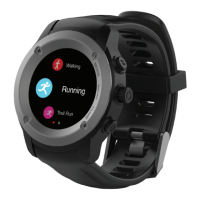
 To Next Page