18
19
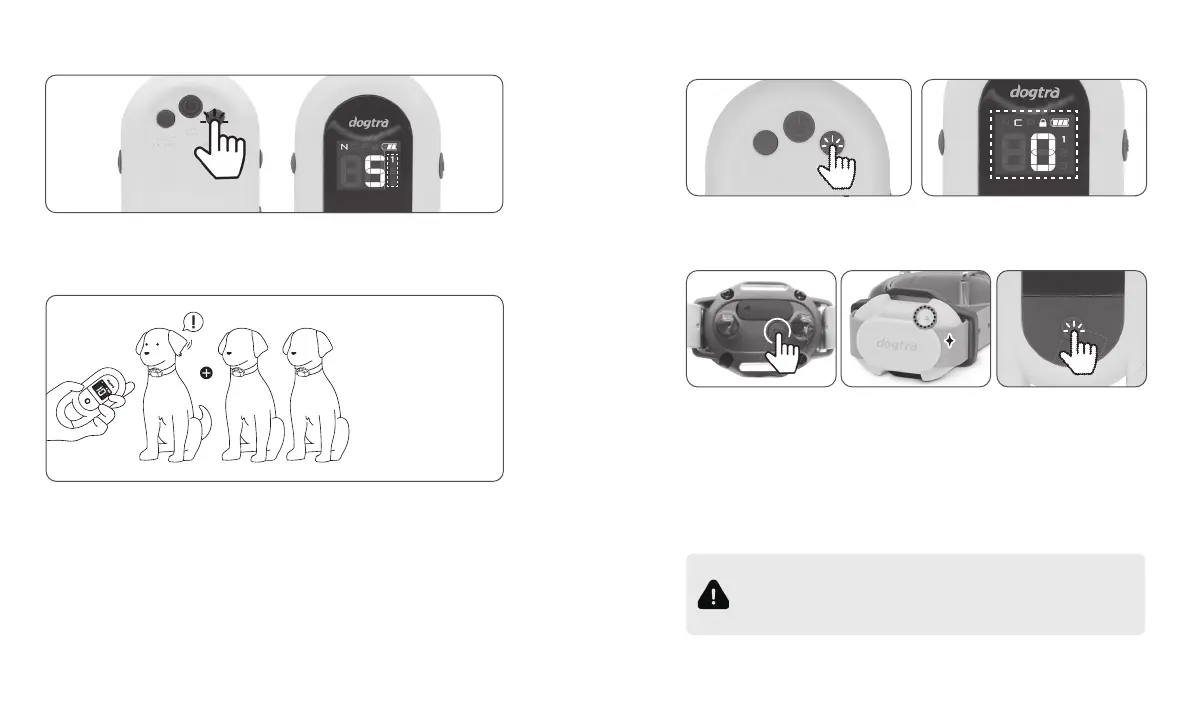
8. HOW TO ADD ADDITIONAL RECEIVER DEVICES
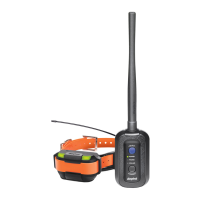
1. Turn the transmitter on, and set it to following:
C (Continuous) mode, stimulation level at 0.
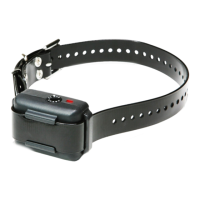
2. Turn off the receiver you want to pair, and hold its power
button for 6 seconds until the LED starts flashing.
3. Press the Base Stimulation Button on the transmitter to
complete the pairing. The receiver's LED should stay on
for 1 second.
flicker
7. MULTI DOG DEVICE SELECTION
If you purchase additional receivers, you can select the dog
that you want to give stimulation using dog select button.
1-Dog 2-Dog 3-Dog
You can add up
to 2 receivers.
3-Dog syetem
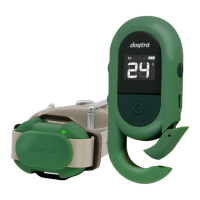
You can check the selected dog on the LCD screen, and the
transmitter remembers the level set for each receiver, It's
unnecessary to set every single time.
10 Level
12 Level
8 Level
Restart the pairing steps if the LED on the receiver
stays on or flashing for more than 1 second. The
pairing between the devices has timed out or failed.


 To Next Page