8
SETTING THE TRANSMITTER
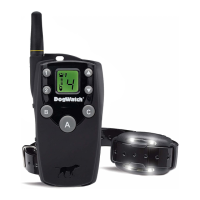
Rates The Transmitter Rate switch adjusts to three settings: (1 = slow, 2 = medium,
3 = fast). When your dog gets a correction, he receives it in a series of pulses per
second. Increasing the rate means that he will receive a greater number of pulses per
second. Rate 1 is the slowest pulse rate per second; 3 is the fastest.
Training Modes The Training Mode switch allows you to choose between two
training options: Basic (Mode A) and QuickAlert
TM
(Mode B). When in the Basic setting
your pet will receive an audible warning followed by a correction. For harder to train
dogs, when set to the QuickAlert mode, your pet will receive a very quick “alert”
correction followed by the normal audible warning and correction.
SETTING THE RECEIVER
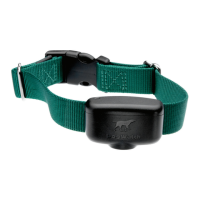
Receiver Training Levels Your receiver provides eight ‘training levels’ that allow you
to customize the receiver setting to your dog’s individual needs: Audible Only, Level 1
(extra low), Level 2 (low), Level 3 (low medium), Level 4 (medium), Level 5 (medium
high), Level 6 (high), and Level 7 (extra high). When the receiver is first shipped from
the manufacturer, it will automatically be set to Training Level 2 (low).
Changing the Receiver Settings Your Dogwatch Dealer will start the training on the
appropriate level according to your dog’s personality and traits. If you need to change
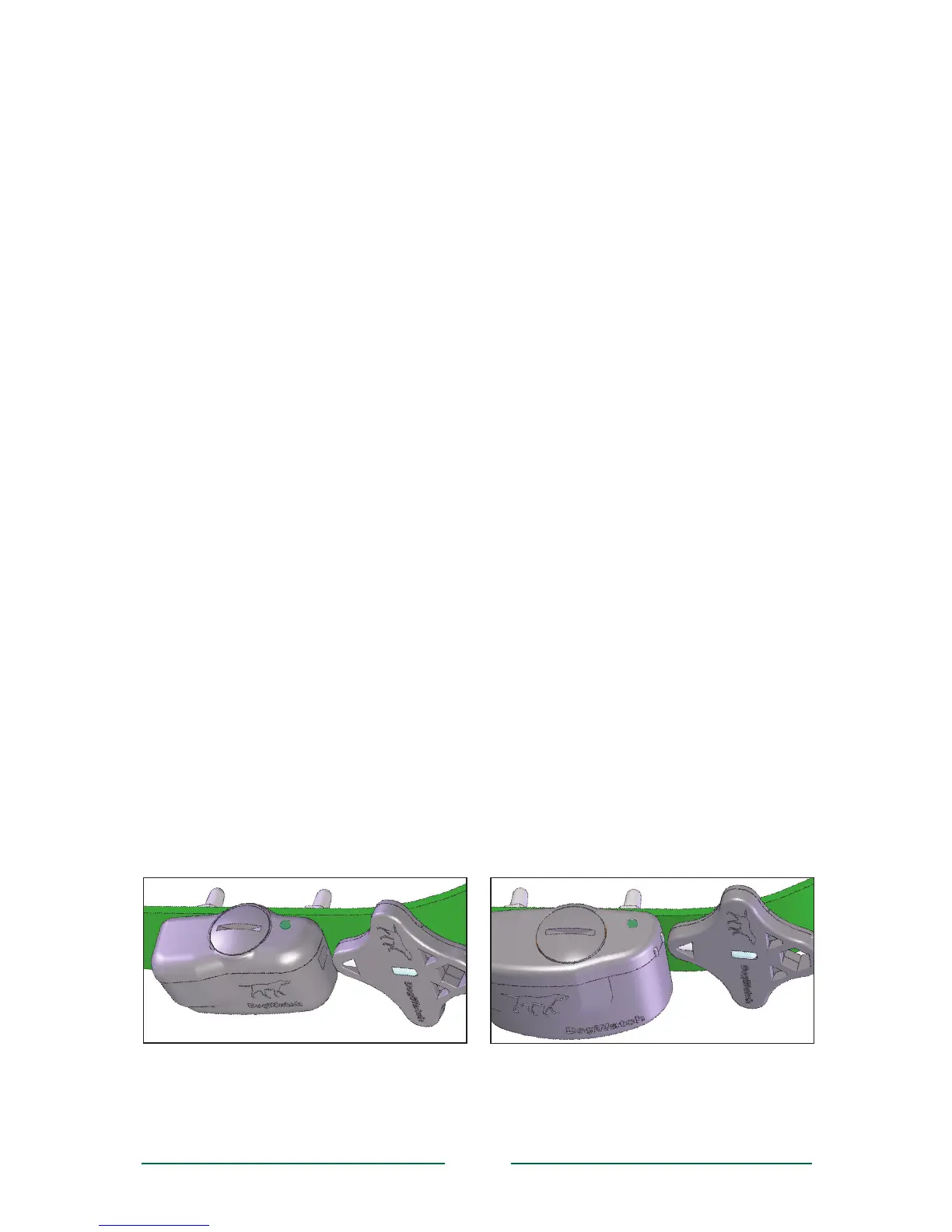
the training level on the receiver, hold the magnet on your ‘multi-tool’ to the training
level adjustment location on the side of the receiver (see below). Hold the magnet
steady and you will hear a series of beeps that indicate the current training level. The
“Audible Only” level is one long beep, Level 1 is one short beep, Level 2 is two short
beeps, Level 3 is three short beeps, etc. The training level will continue to advance
while the magnet is held in position. When you reach the desired setting, pull the
magnet away from the receiver. The receiver is now set.
Note: Any time the magnet activates the receiver, the number of beeps will indicate
the current training level. As long as the magnet is held in place, it will advance the
receiver to the next training level and continue to cycle through the settings in the
order shown in the chart on Page 9.
Programmable Features
You can customize the receiver to one of 20 training settings, as outlined in the chart on
the right.
Using the magnet to set the
training level on the R7 Receiver
Using the magnet to set the
training level on the R9 Receiver


 To Next Page