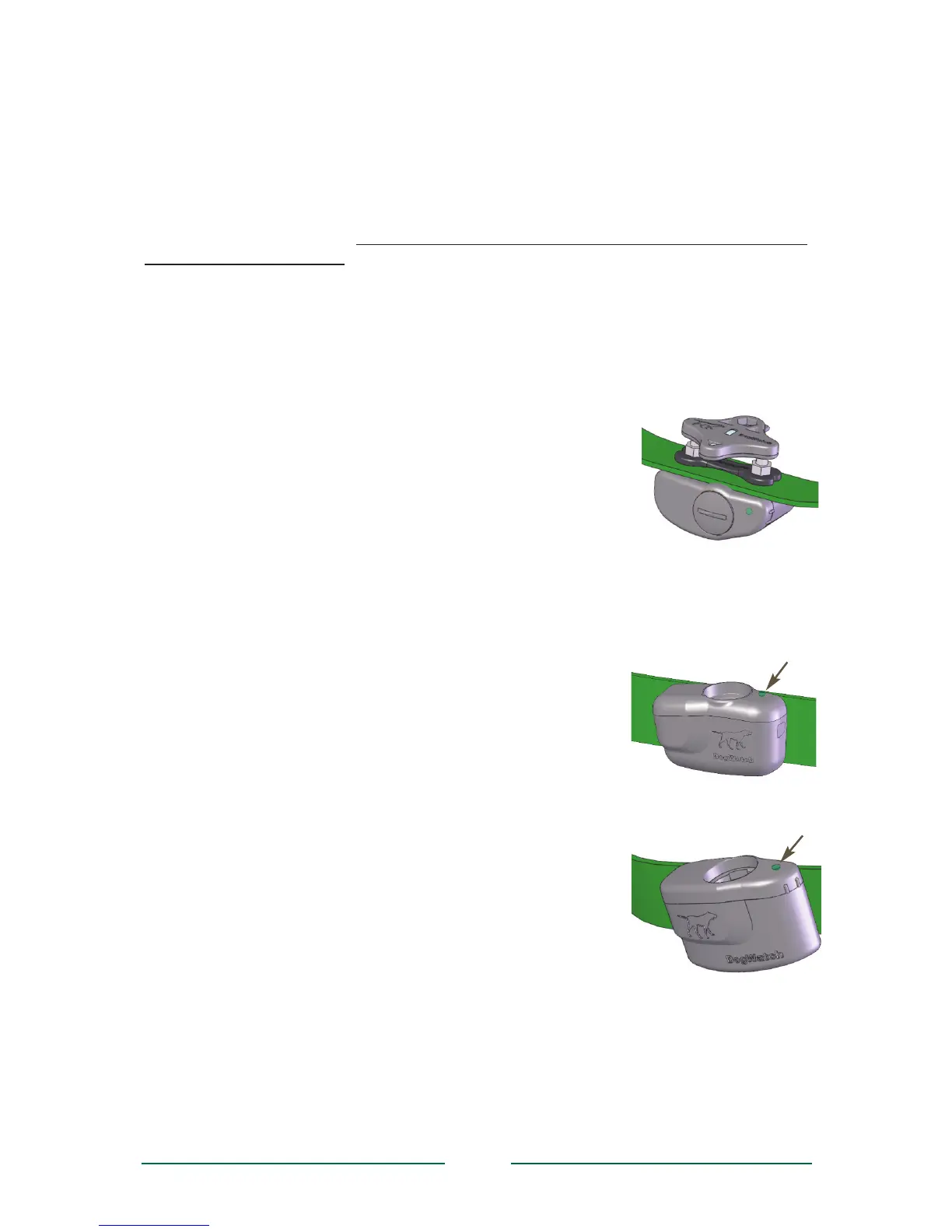
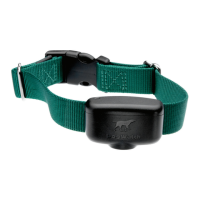
Contact Posts: The receiver comes with a set of stainless steel contact posts
(stainless steel or composite with stainless steel tips.) Conductive plastic ‘GentleFit’™
contact posts may be purchased separately if preferred or if recommended by your
Dealer.
Your DogWatch Dealer will determine the correct set based on your dog’s coat, neck
shape, and skin sensitivity. The posts must make contact with the skin in order for the
dog to feel the correction. In certain cases, your dealer may recommend clipping some
of the hair around the contact posts so that they can touch the skin more easily. Use
care if you find it necessary to tighten the contact posts with the collar wrench, as over-
tightening could cause damage to the receiver.
Antenna: The receiver’s omni-directional antenna design assures optimal reception
from the signal field.
Test Light: The test light allows you to test the receiver. Hold the test light over the
contact posts and carry the receiver into the signal field a few
feet from the ground. When the receiver picks up the signal
from the boundary wire, the audible or vibation warning will
activate and the test light will come on.
Status Light The light continuously monitors your receiver and
provides these features.
■ Start-Up When you first insert the battery, the status light
will flash red and green. This indicates that the receiver has
started properly. Once started, the status light will continue to
flash green once every 40 seconds indicating normal operation.
In the event that the light does not flash, check the battery to be
sure that it has been inserted properly.
■ Training Level Indicator When programming the
training level of your receiver (see page 8), the status light
will flash green in conjunction with audible beeps. The
number of flashes/beeps will equal the training level you
have chosen.
■ Signal Field Indicator When testing the receiver in the
signal field, the status light will flash green when the
receiver is in the audible zone and will flash red and
green when the receiver is in the correction zone.
■ Correction Alert You will be able to tell if your pet has
tested the boundary by looking at the status light. The
status light will double flash green every 40 seconds
during the 24-hour period after the dog has entered the
boundary area.
■ Battery Indicator This feature monitors the voltage
level of the battery. Once the receiver detects that the
battery has reached a low voltage level, the status light
will change from blinking green every 40 seconds to
blinking red every 10 seconds. This indicates that your
battery is close to the end of its useful life and you should
change the battery within the next 3-4 days.
See page 7 for how to change your battery and reset your receiver.
6
Using the Test Light
The R7 Status Light
The R9 Status Light


 To Next Page