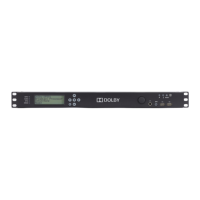
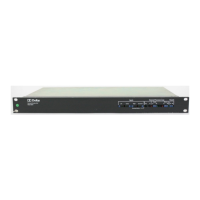
Model DP569 User’s Manual
viii
List of Tables
2-1 Status Menu Navigation Buttons..................................................................... 2-4
2-2 Setup Menu Navigation Buttons...................................................................... 2-5
2-3 Commands that Exit the Setup Menu.............................................................. 2-5
2-4 Navigation in Text Entry Menu ........................................................................ 2-6
2-5 Digital Input LED States .................................................................................. 2-7
2-6 Status LED States........................................................................................... 2-7
2-7 Input Channel Activity LED States .................................................................. 2-8
4-1 Metadata Params Submenus.......................................................................... 4-4
4-2 Coding Delay .................................................................................................. 4-8
6-1 Linear Timecode Input Pins ............................................................................ 6-2
6-2 Metadata Serial Port Pin-Outs ........................................................................ 6-3
6-3 Rear Panel Remote Control Serial Port Pin-Outs ........................................... 6-3
6-4 Front Panel Remote Control Serial Port Pin-Outs........................................... 6-4
6-5 General Purpose Control Input Port Pin-Outs ................................................. 6-4
6-6 General Purpose Status Output Port Pin-Outs................................................ 6-5
6-7 Mechanical Specifications............................................................................... 6-5
6-8 Environmental Specifications .......................................................................... 6-5



 To Next Page