MXH94x / MXH95x Transparent Adapter User’s Guide – Dolphin Interconnect Solutions Page 12
Transparent Operation
The adapter card can operate as a transparent host and target adapter.
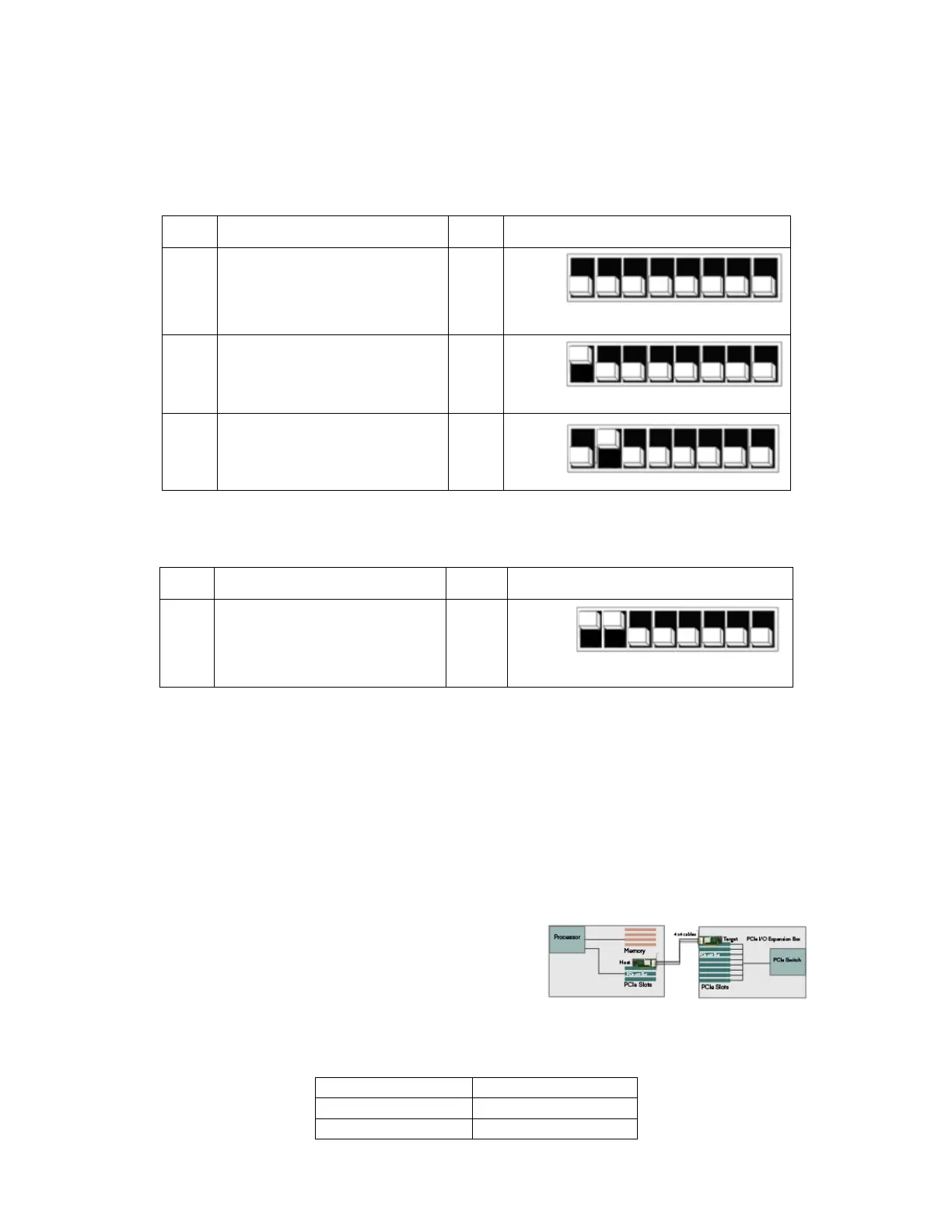
DIP Switch settings for Transparent Host operation
The following DIP Switch settings should be considered when configuring the adapter card for Transparent Host operation:
DIP Switch settings for Transparent Target operation
The following DIP Switch settings should be considered when configuring the adapter for Transparent Target operation:
Transparent Use Cases
The transparent adapter card may be used as both a Transparent Host card and a Transparent Target card. A Host and Target card can
be used as a pair or the Host card can be used with a compliant Target device. The supported use cases and the DIP switch settings are
summarized in section “Error! Reference source not found.” on page Error! Bookmark not defined..
Transparent Use Case A - 1 Host – Single Expansion Configuration
The Host system has an adapter card configured for Transparent Host
operation and a direct x4, x8 or x16 link to an adapter card configured
for Transparent Target operation or a compliant target device.
Connecting the cables for single expansion, x16 link
To establish an x16 link, a given port number should be connected to
the same port number on the other card.
Always connect a cable from Port #x to Port #x


 To Next Page