7
Customized Settings
The Dolphin Wave robot is controlled from the MMI console. You can
customize the robot's settings to match the specific type of swimming pool that
is to be cleaned. Four different swimming pool configurations can be set and
stored in the MMI's memory for future use.
When you configure the pool profile, you can also set the cleaning-cycle time
and the delay time before the robot starts its cleaning cycle. The procedure for
configuring additional pool profiles is explained in Configuring Additional
Pool Profiles on page 9.
The MMI keyboard procedures are explained in the next section.
MMI Operations
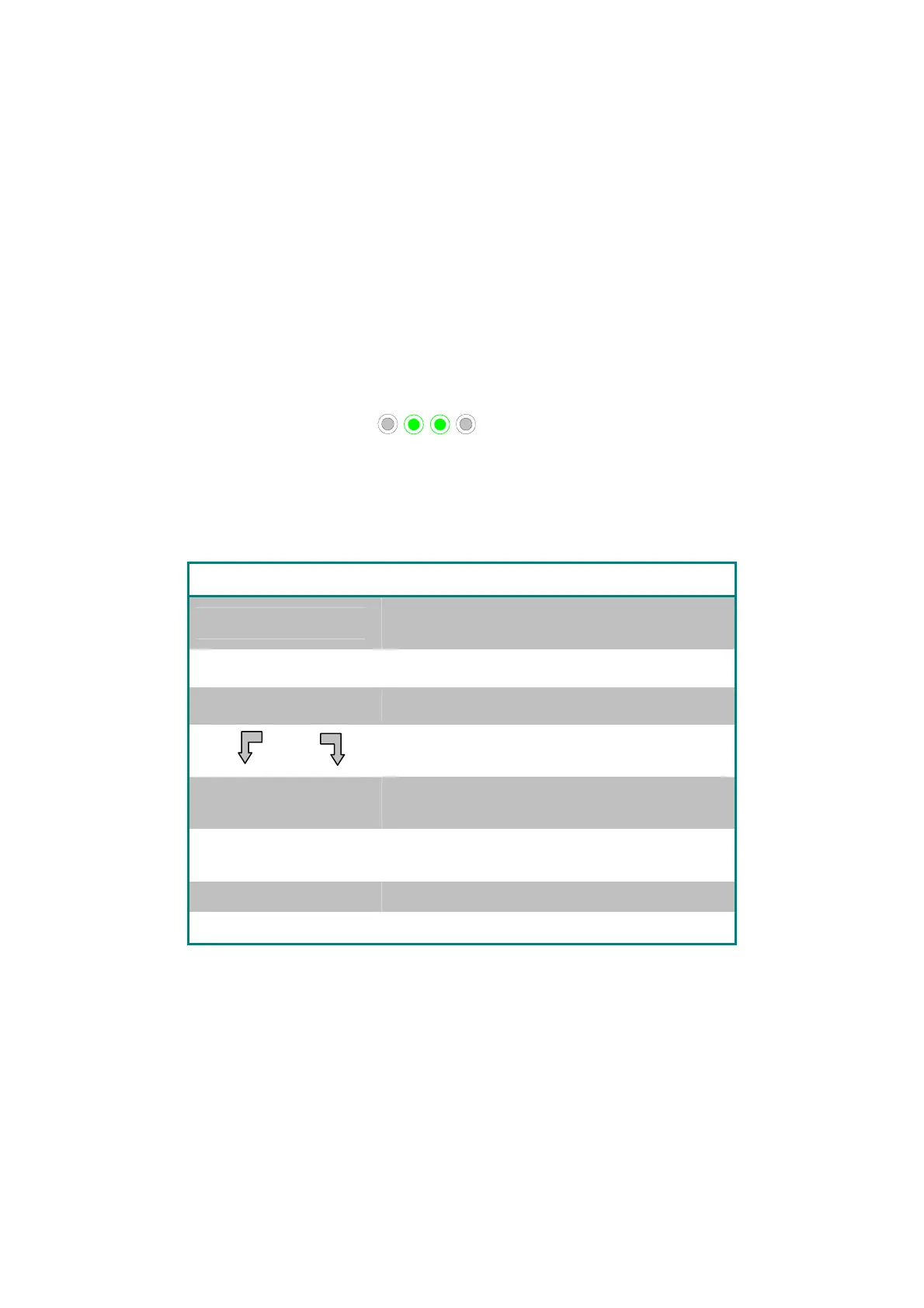
Use the control buttons,
, located on the MMI below the screen,
to activate the various commands.
Use the MMI functions that appear in the various screen displays to navigate
between the screens and to configure the software.
MMI Functions:
Command Description
Menu
From the opening screen press Menu to
display the Main Menu.
Ÿ
Scroll up.
ź
Scroll down.
Start
Press both green buttons simultaneously to
Start pool cleaning.
Select
Press Select to confirm your selection after
using the scrolling buttons.
Modify
Press Modify to change settings after making
a selection.
Back
Press to return to the previous screen.
Exit
Press to return to the Wave screen.
Defining the robot's parameters:
1. Switch on the power supply. The MMI Wave screen opens in the home
window.
2. Press Menu to enter the Main Menu (Figure 7).


 To Next Page