11
Manual Procedure for Configuring Pool Profiles
1. From the Wave logo menu, press Menu.
2. From the Main Menu, with Pool Profile highlighted, press Select and
then modify, to display the current active profile screen.
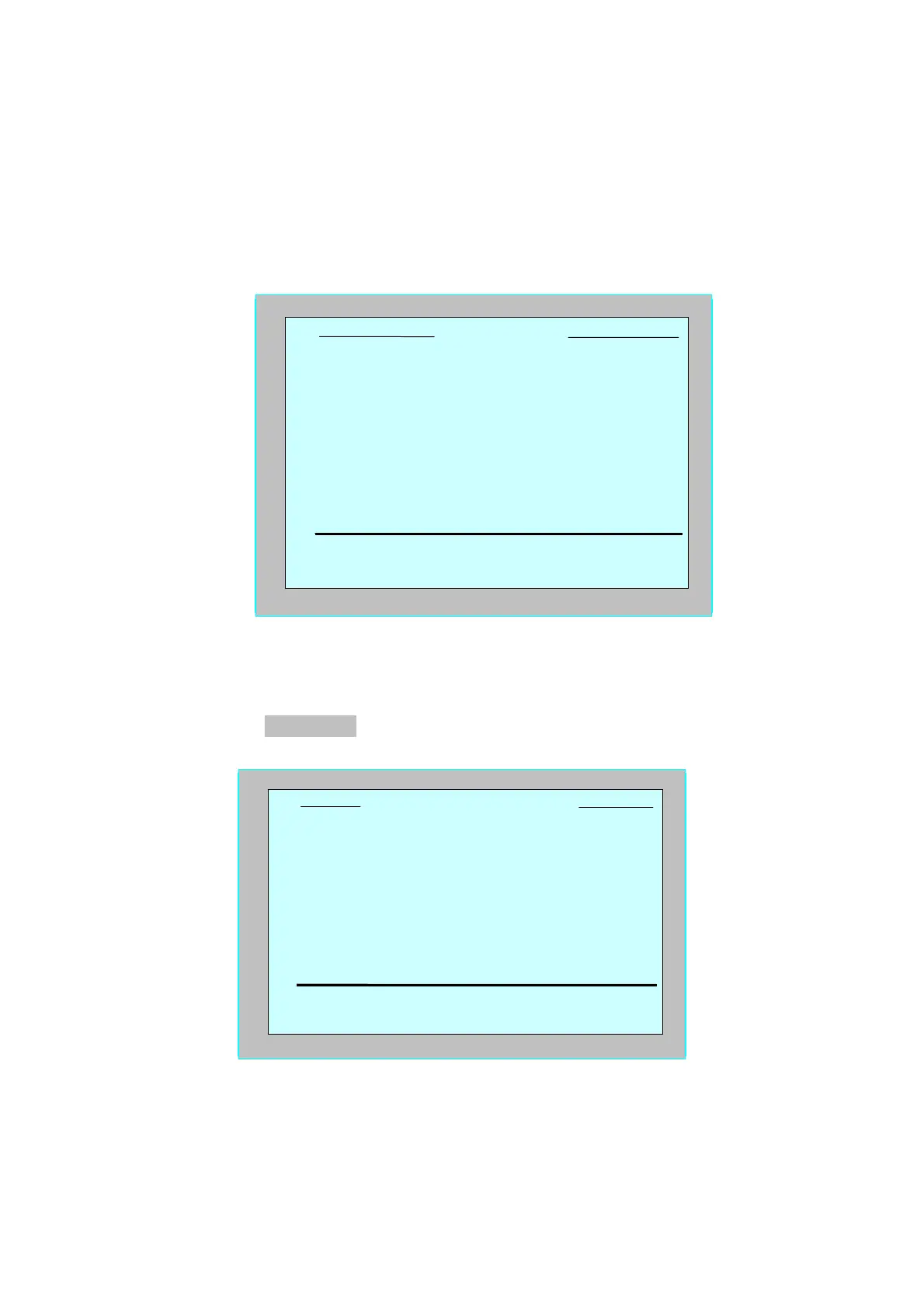
3. Press Select to enter the Pool Length Setup screen.
Figure 11: Pool Length Setup screen
4. Using the Select and Scrolling buttons Ÿź, set each parameter in turn,
for example:
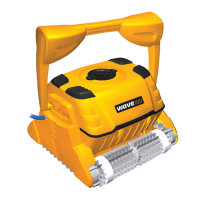
5. With Pool Length highlighted, press Select. The Pool Length Set Up
screen is displayed:
Figure 12: Pool length setup screen
6. Using the arrows,, select the desired pool length. Press Select and
scroll down to the next parameter, Cycle Time.
Cycle Time determines the duration of each cleaning cycle.
Pool A Profile
select
cb
back
Pool Length
Scanning Path
Navigation Mode
Cycle Time
25
m
Defaul
Rec. 1
3
h
Pool Length Set Up
25 30 35 40 50 60
set
_`
back


 To Next Page