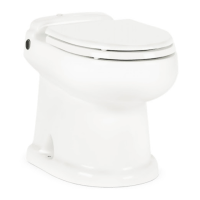
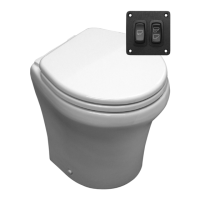
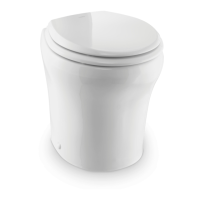
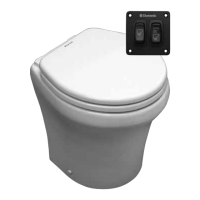
5
EN
Toilets
3 OPERATION
3.1 Using the flush touchpad or flush switches
OK TO
FLUSH
DO NOT
FLUSH
1
Dometic Flush Switch (DFS)
2
Dometic Flush Toggle Switch (DFST)
3
Dometic Flush Touchpad (DFT)
4
Dometic Flush Touch Panel (DFSHW)
➤ Press and hold the Add Water switch to reach the desired water level.
➤ Press the Flush switch, then release it.
I
8100 models only: Press and hold the Flush switch until the bowl is clear. Press and
hold the Dry Bowl switch to flush the toilet without adding water during or aer a flush.
3.2 Using the flush handle (8700 models only)
5
Flush Handle
➤ Li the flush handle to fill the bowl to the
desired water level.
6
Flush Handle
➤ Press the flush handle down, then release it
to flush the toilet.



 To Next Page
 Loading...