- 11 -
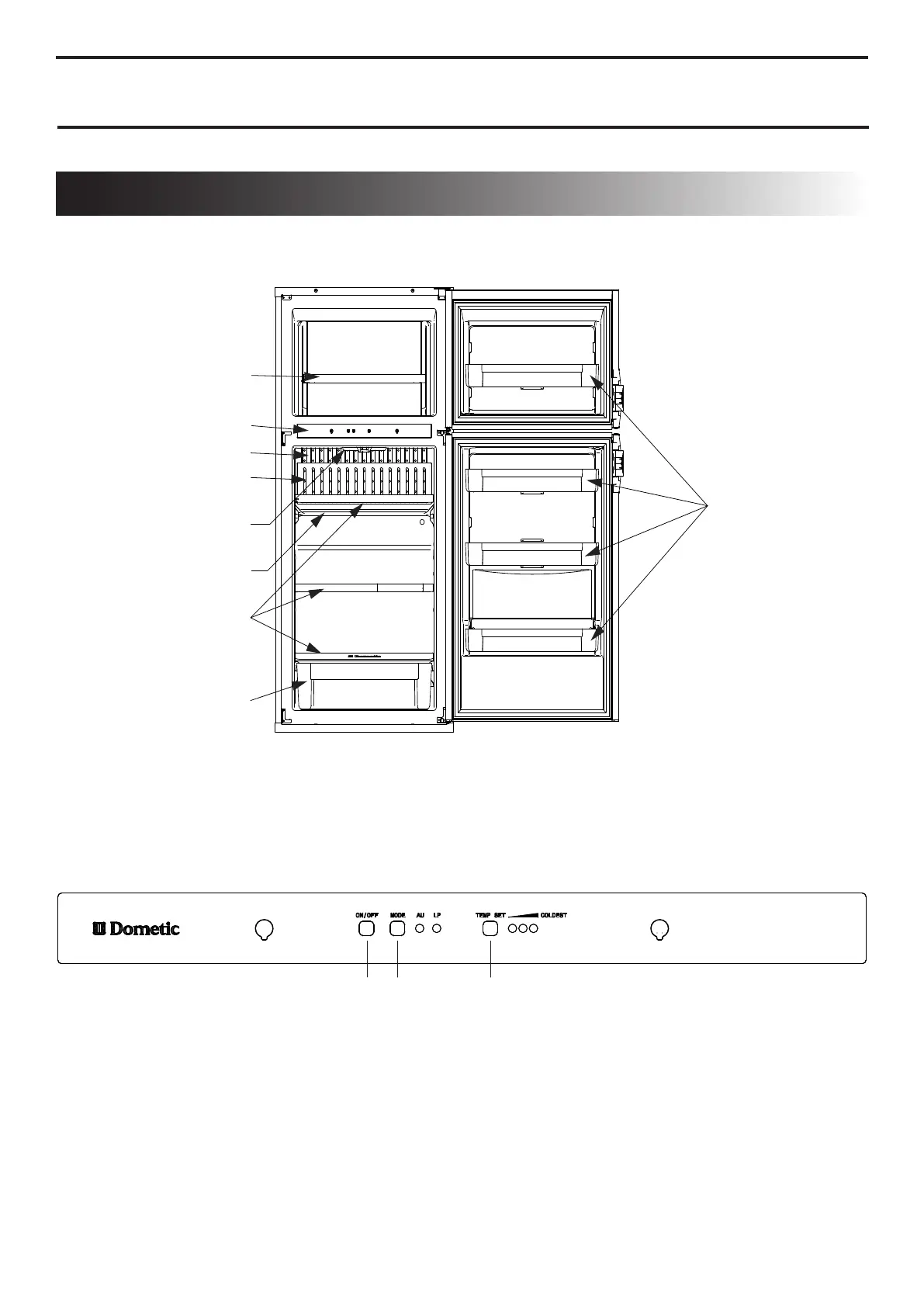
REFRIGERATOR OVERVIEW
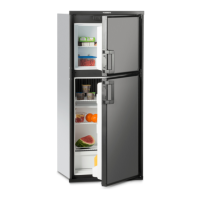
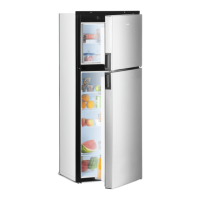
Model shown: DMC 7-Series.
The number of shelves and door compartments may vary according to model.
Wire shelves with
plastic cover
Finned plate
Refrigerator lamp
Control panel
Drip protection
Crisper
Door compartments
1. ON/OFF button (main power)
Press the button to turn the refrigerator on or off.
2. AUTO/GAS mode selector button
Press the button to turn the AUTO mode on or off.
3. TEMP. SET button
The thermostat has 3 settings where “1” indicates the
warmest and “3” the coldest temperature setting.
Press the button repeatedly until the desired setting.
CONTROL PANEL
OPERATING INSTRUCTIONS
Finned plate cover
Wire shelve with
plastic cover
1
2 3


 To Next Page
 Loading...