- 15 -
OPERATION
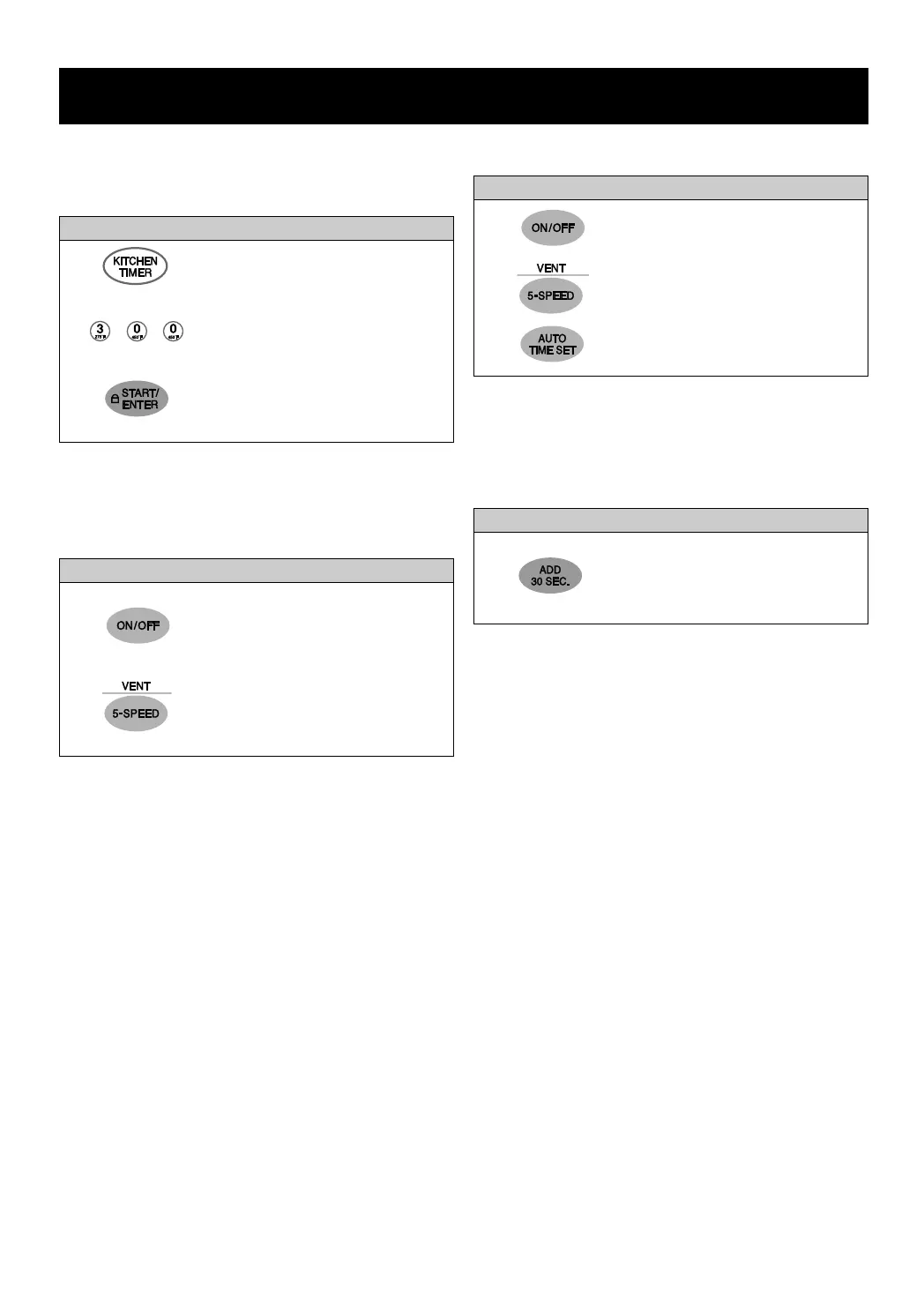
1. Touch KITCHEN TIMER.
2. Enter the time by using the
number key pad.
3. Touch START/ENTER.
When the time is over, you will
hear seven beeps and END
will display.
Example: To set 3 minutes.
KITCHEN TIMER
Your microwave oven can be used as a kitchen timer.
You can set up to 99 minutes and 99 seconds.
1. Touch ON/OFF.
2. Touch this pad until Level 4
appears in the display.
3. Touch this pad five times.
Example: To turn off fan after 30 minutes for level 4.
VENT FAN AUTO TIME SET
1. Touch ADD 30 SEC. 2 times.
The oven begins cooking and
display shows time counting
down.
Example: To cook for 1 minutes.
ADD 30 SEC.
A time-saving pad, this simplified control lets you
quickly set and start microwave cooking at 100% power
without the need to touch START/ENTER.
1. Touch VENT ON/OFF.
This shows the last level until
you select the fan speed
level.
2. Touch VENT 5-SPEED until
LEVEL 4 appears in the
display.
Example: To set Level 4.
VENT FAN
The bottom of the control panel controls the 5-speed
vent fan.
NOTES:
• If the temperature from the range or cooktop below
the oven gets too hot, the vent fan in the vent hood
will automatically turn on at the 4-Speed setting to
protect the oven. It may stay on up to an hour to cool
the oven. When this occurs, the VENT ON/OFF pad
will not turn the fan off. You cannot turn the vent fan
off during microwave cooking.
NOTES:
• Each time you touch ADD 30 SEC., it will add 30
seconds, up to 99 minutes and 59 seconds.



 To Next Page