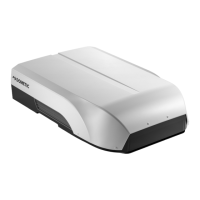
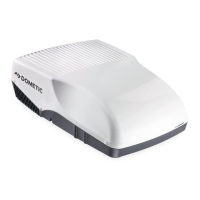
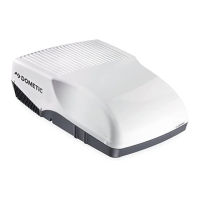
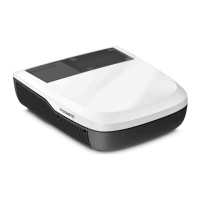
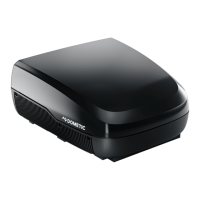
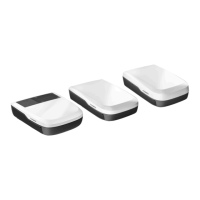
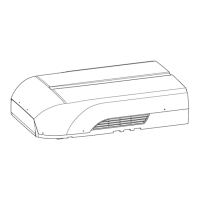
Technical description Dometic FreshJet
26
11 Reset button
Resets all values to standard values
12 ROOM button:
Press once:
Press again:
Displays the current interior temperature (symbol is
displayed).
Displays the set temperature.
13 LIGHT button:
Switches the light of the roof air conditioner on or off.
The LIGHT button remains functional even when the remote control is
switched off.
14 DIM button:
Dims the light of the roof air conditioner (using the – button and the
+ button)
15 – button:
Reduces the value
16 + button:
Increases the value
17
Symbol (batteries empty)
Is displayed when the batteries in the remote control are empty. If this
happens, replace the batteries, see chapter “Replacing the remote control
batteries” on page 37.
18
Symbol (transmitting values)
Is displayed briefly when the remote control is transmitting values to the roof
air conditioner.
No. Explanation


 To Next Page
 Loading...