Operating the microwave oven MWO24
8
5.2 Components
5.3 Control elements
6 Operating the microwave oven
I
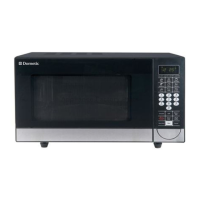
No. in
fig. 1, page 3
Explanation
1 Control panel
2 Interior bottom
3 Door lock
4 Microwave window
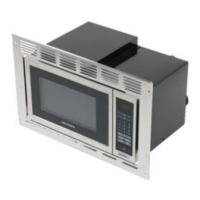
No. in
fig. 2, page 3
Explanation
1 – Display for indicating the cooking time, power and
current time
2 Save and restore settings
3 Set the cooking time / turn off
4 Select the operating mode / set the cooking time
5 Start or stop the current cooking or defrosting program
6 – Door button
7 Select the desired microwave power
8 Select the frozen food to be thawed
NOTE
After it is connected to the power supply, the microwave oven is
switched off and the control elements are disabled.
Open and close the door to turn on and use the microwave oven.
MWO24-O-16s.book Seite 8 Donnerstag, 1. Dezember 2016 1:23 13



 To Next Page
 Loading...