4
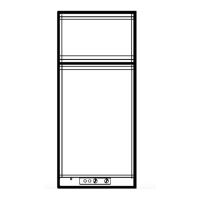
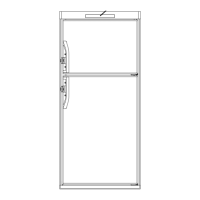
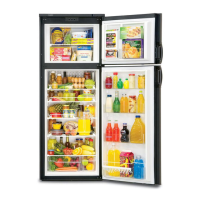
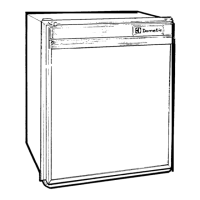
Refrigerator overview
Appearance and features may vary depending on model. Quantity and
position of items may also vary.
Wire shelves
Finned plate
Draining pipe
Control panel LED display panel
Top decor
Drip protection
Wire shelf
Crispers
Retainer
Door compartments
Plastic shelf
1. ON/OFF button (main power)
Press this button to turn the refrigerator ON or OFF.
Button In = Unit Is ON Button Out = Unit Is OFF
2. AUTO/GAS mode selector button
Press this button to turn the AUTO mode ON or OFF.
Button In = Auto Mode (Attempts Electric Mode First)
Button Out = Auto OFF (Attempts LP Gas Mode Only)
3. TEMP. SET button
The thermostat has 5 settings where “1” indicates the
warmest and “5” the coldest temperature setting. Press
this button once to display the current setting. Continue
to press repeatedly until the desired setting, e.g. “3”,
is shown in the LED display. This value is shown for
about 5 seconds and then the fresh food compartment
temperature is displayed once again.
CONTROL PANEL
1 32
The LED display panel provides a quick visual indicator of
the temperature in the fresh food storage compartment,
modes of operation, status messages, and alarm condi-
tions. See LED PANEL INDICATIONS table on the following
page.
LED DISPLAY PANEL
Ice box
REFRIGERATOR OVERVIEW



 To Next Page