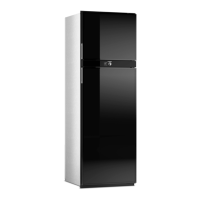
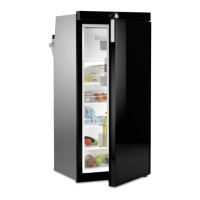
Using the refrigerator RUA5208X, RUA6408X, RUA8408X
18
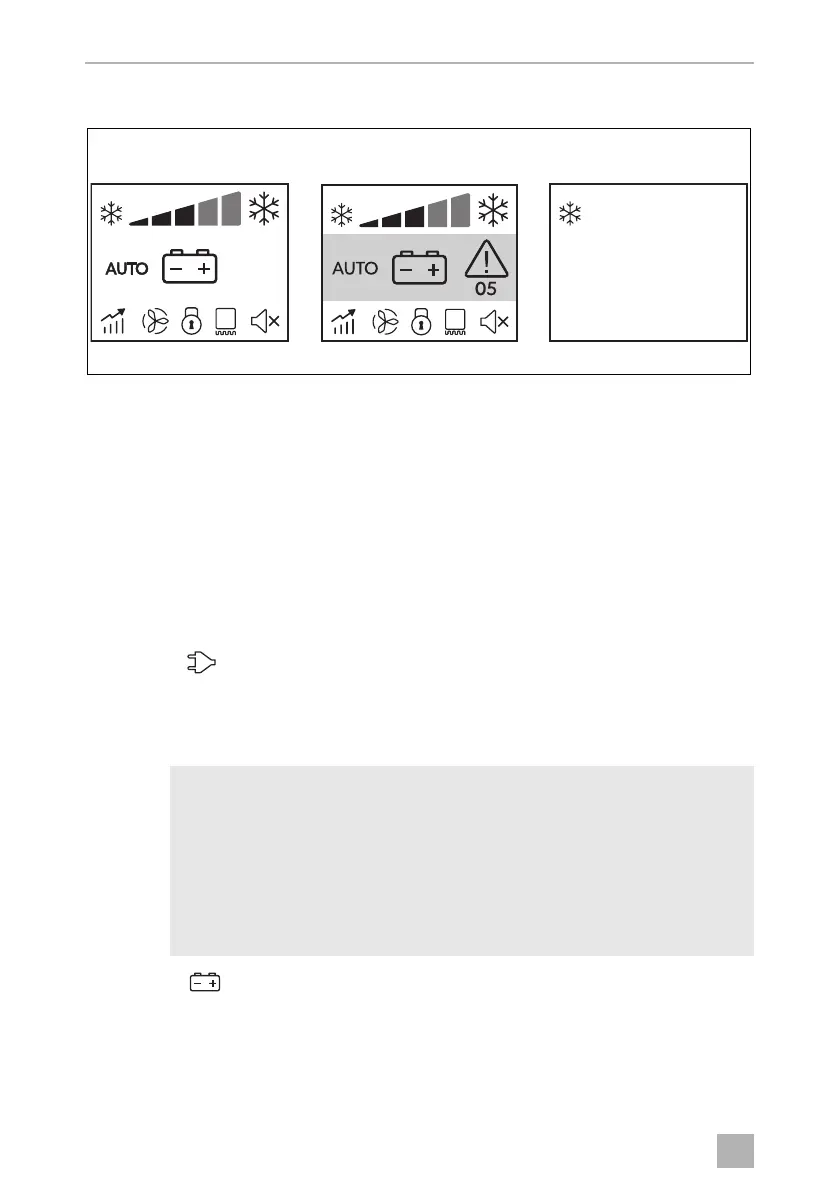
Dimming function of the display (fig. 7)
If there is no operation on control knob within 10 seconds, the backlight will be
dimmed and the display will return to idle screen (A). After another 3 minutes with-
out operation, the screen will enter standby (C) on which a snowflake appears in the
top left corner to indicate that the refrigerator is on.
If there is an active error indication, the backlight and screen will not turn off.
The display enters error screen (B). In the error screen, the middle section is high-
lighted in red and shows the relevant error code (see chapter “Troubleshooting” on
page 41).
Operating with AC power supply
➤ Press the button in the energy selection menu (chapter “Energy selection” on
page 15).
Operating with DC power supply
I
➤ Press the button (chapter “Energy selection” on page 15).
NOTE
• Only select operation with DC power supply (battery mode) if the
vehicle engine is running and providing sufficient voltage to the vehi-
cle‘s light system, or if you are using a battery monitor.
• Use AC or gas power supply first, until the refrigerator reaches the
set cooling temperature. Only after reaching the cooling tempera-
ture, switch to DC power supply.
DometicRUA5208X6408X8408X_OPM_4445102445_APAC(en)_xxxx-xx-xx.book Page 18 Friday, March 4, 2022 1:56 PM


 To Next Page