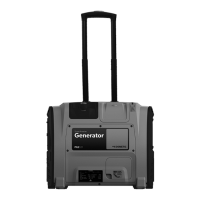
Technical description TEC29 EV
16
Control elements in the control panel
The control panel is located on the generator behind the cover.
6 Caution – Moving parts can crush and cut – Keep hands clear
7 No naked flames
8 No smoking
9 Caution – Hot surface – Follow safety instructions on the right side of the
generator
10 Noise label – Value of the guaranteed sound power level
11 Part number code
12 Serial number
13 Manufacturer and address
14 CE and UK mark
15 Dry mass
16 Year of production
17 Generator model
No. in
fig. 3,
page 4
Description
1 Main switch Switches the generator to standby or no
function.
2 Cut-out switch Electromechanical protection against over-
load.
No. in
fig. b,
page 9
Description
DometicTEC29EV_OPM_4445103094_EMEA16_20xx-xx-xx.book Seite 16 Dienstag, 16. Februar 2021 3:20 15


 To Next Page