TEC29 EV, TEC29 EV LPG Cleaning the generator
23
8.9 Switching off the automatic mode
➤ Switch off the automatic mode switch (if available).
or
➤ Switch on the ignition.
✓ The display shows: GEN OFF.
8.10 Operating two generators in parallel (optional)
I
You can independently turn each generator on and off. If the load is more than
2600 W, you can start both generators in parallel.
In case both generators are turned on:
Disconnect the load before switching off the system.
9 Cleaning the generator
A
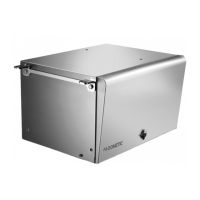
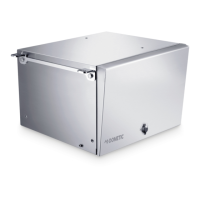
➤ Clean the generator with a damp cloth from time to time.
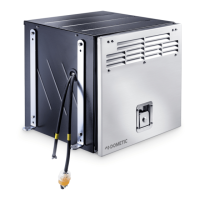
➤ Remove any dirt from the air vents in the generator at regular intervals. Make sure
you do not damage the grilles of the generator in the process.
NOTE
The maximum allowed load for the parallel system is 4800 W.
Without the parallel cable or with a damaged parallel cable the proper
operation of the system is not guaranteed, especially in terms of load
sharing.
NOTICE! Beware of damage
• Do not clean the generator with a high-pressure cleaner. Exposure
to water can damage the generator.
• Do not use sharp or hard objects or cleaning agents for cleaning as
these may damage the generator.
• To clean the generator, use water with a gentle cleaning agent.
Never use petrol, diesel or solvents.


 To Next Page