2
WeatherPro Power & Oasis Door awning User's Guide
SAFETY INSTRUCTIONS
This manual has safety information and instructions
to help users eliminate or reduce the risk of acci-
dents and injuries.
RECOGNIZE SAFETY INFORMATION
This is the safety-alert symbol. When you see this
symbol in this manual, be alert to the potential for
personal injury.
Follow recommended precautions and safe operat-
ing instructions.
UNDERSTAND SIGNAL WORDS
A signal word , WARNING OR CAUTION is used
with the safety-alert symbol. They give the level
of risk for potential injury.
indicates a potentially hazard-
ous situation which, if not avoided, could result
in death or serious injury.
indicates a potentially hazard-
ous situation which, if not avoided, may result in
minor or moderate injury.
used without the safety alert
symbol indicates, a potentially hazardous situa-
tion which, if not avoided, may result in property
damage.
Read and follow all safety information and instruc-
tions.
OPERATING INSTRUCTIONS
To Open Awning:
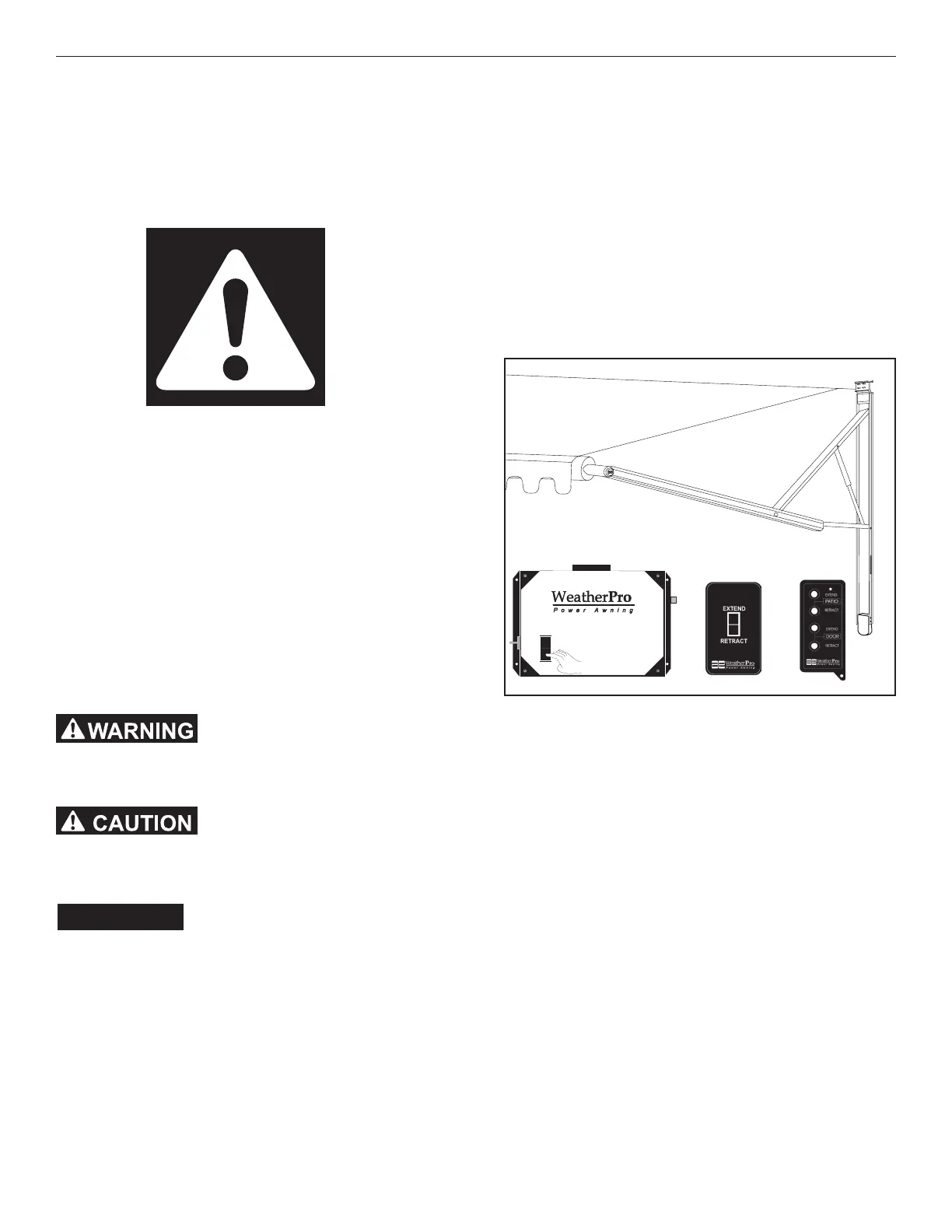
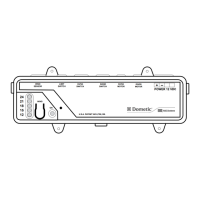
1. Press and hold the “EXTEND” button on the re-
mote control, remote switch or control box. When
awning is fully open, release button.
2. If awning should hit an object while opening or
button is not released at full open, the control box
will cut power to the motor.
3. If the “EXTEND” button is released before the
awning is fully open, it will remain in the position
when button released. The awning will continue
to open when the button is pressed again.
Note: Do not press more than one “EXTEND” button at
the same time. Awing will not work and/or may cause con-
trol box fuse to blow.
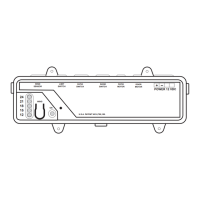
Note: The control box system is protected with a 15 Amp
fuse (not in some models). If needed, a spare 15 Amp
fused is taped inside the control box cover. Shut off the
12 VDC power to the control box and remove control box
cover to expose the fuse. Replace if necessary.
Important: When the power has been interrupted,
wait approximately 30 seconds before depressing but-
ton again. The control box will automatically restore
power when button is pressed again.
EXTEND
RETRACT
FUSE INSIDE
Control Box
Remote
Switch
Remote
Control


 To Next Page