TRANSPOSE
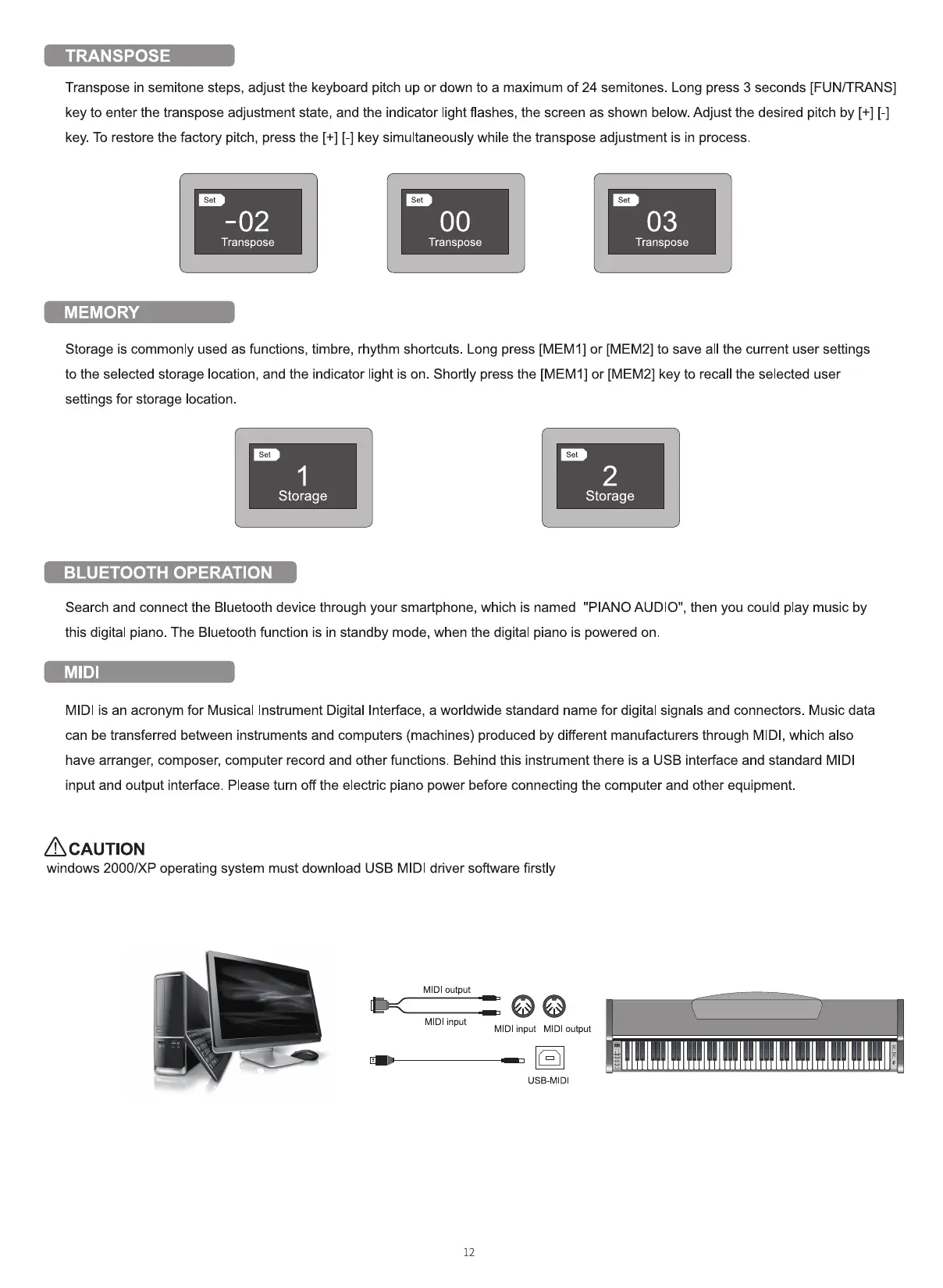
Transpose in semitone steps, adjust the keyboard pitch up or down to a maximum of 24 semitones. Long press 3 seconds [FUN/TRANS]
key to enter the transpose adjustment state, and the indicator light flashes, the screen as shown below. Adjust the desired pitch by [+] [-]
key. To restore the factory pitch, press the [+] [-] key simultaneously while the transpose adjustment is in process.
Transpose
MEMORY
Transpose
03
Transpose
Storage is commonly used as functions, timbre, rhythm shortcuts Long press [MEMI] or [MEM2] to save all the current user settings
to the selected storage location, and the indicator light is on. Shortly press the [MEM 1] or [MEM2] key to recall the selected user
settings for storage location.
Storage
BLUETOOTH OPERATION
Storage
Search and connect the Bluetooth device through your smartphone, which is named "PIANO AUDIO", then you could play music by
this digital piano. The Bluetooth function is in standby mode, when the digital piano is powered on
MIDl
MIDl is an acronym for Musical Instrument Digital Interface, a worldwide standard name for digital signals and connectors. Music data
can be transferred between instruments and computers (machines) produced by different manufacturers through MIDI, which also
have arranger, composer, computer record and other functions. Behind this instrument there is a USB interface and standard MIDl
input and output interface. Please turn off the electric piano power before connecting the computer and other equipment.
ACAUTION
windows 2000/XP operating system must download USB MIDl driver software firstly
MIDI Output
MIDI input
M Dl input MIDI output
USB-MIDI
12



 To Next Page