Turn On the Power
1.First, check ifthe power switch of the piano isturning off. If
not, please turn off the power.
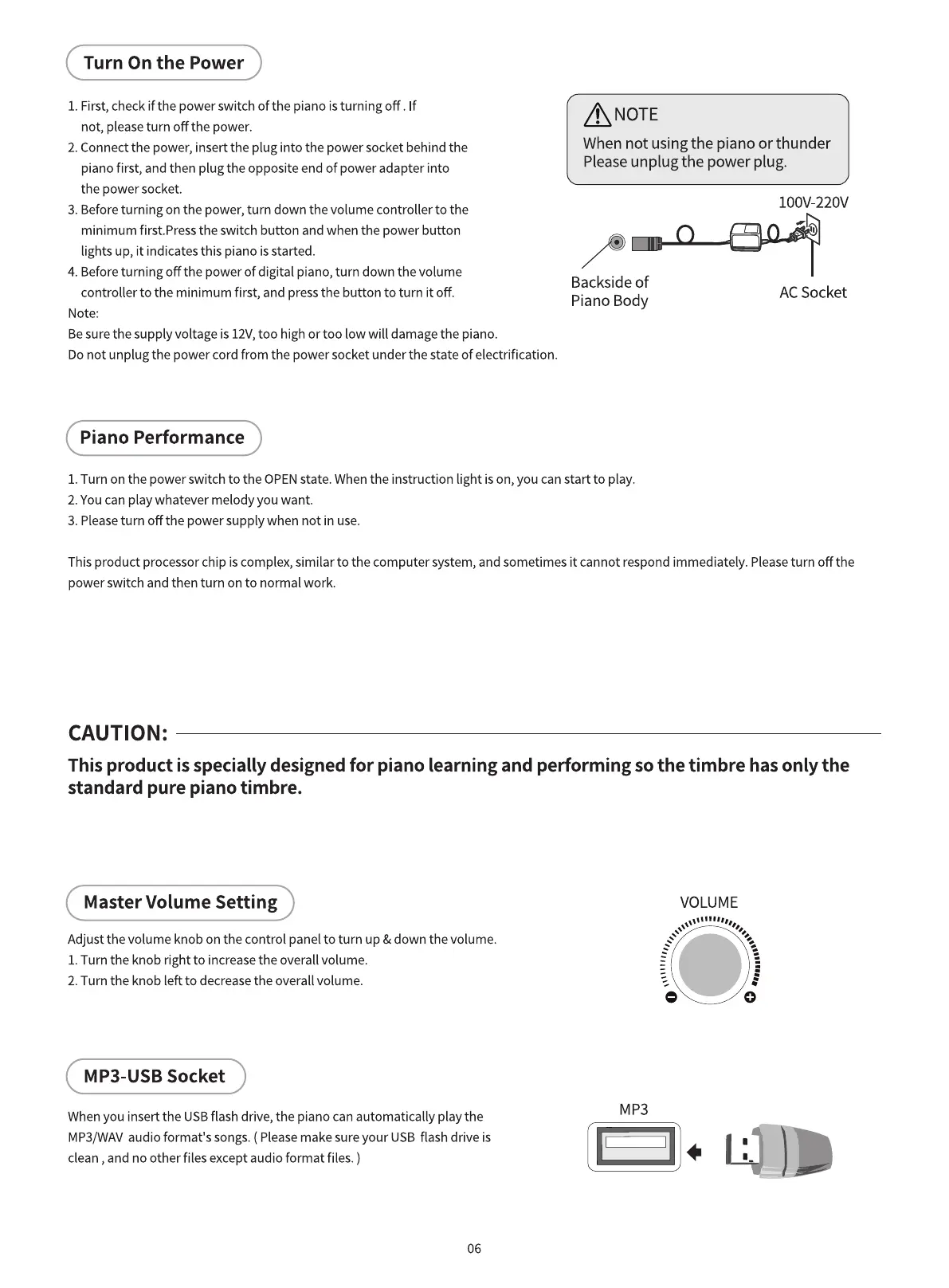
2. Connect the power, insert the plug into the power socket behind the
piano first, and then plug the opposite end of power adapter into
the power socket.
3. Beforeturning on the power, turn down the volume controller to the
minimum first.Press the switch button and when the power button
lights up, it indicates this piano is started.
4. Beforeturning off the power of digital piano, turn down the volume
controller to the minimum first, and pressthe button to turn it off.
Note:
Besure the supply voltage is 12V,too high or too low will damage the piano.
ANOTE
When not using the piano or thunder
Pleaseunplug the power plug.
Backside of
Piano Body
loov-220V
AC Socket
Donot unplug the power cord from the power socket under the state of electrification.
Piano Performance
1.Turn on the power switch to the OPENstate. When the instruction light is on, you can start to play.
2. Youcan play whatever melody you want.
3. Pleaseturn off the power supply when not in use.
This product processor chip is complex, similar to the computer system, and sometimes it cannot respond immediately. Pleaseturn off the
power switch and then turn on to normal work.
CAUTION:
This product is specially designed for piano learning and performing so the timbre has only the
standard pure piano timbre.
Master Volume Setting
Adjust the volume knob on the control panel to turn up & down the volume.
I. Turn the knob right to increasethe overall volume.
2. Turn the knob left to decrease the overall volume.
MP3-USB Socket
When you insert the USB flash drive, the piano can automatically play the
MP3/WAVaudio format's songs.( Pleasemake sure your USB flash drive is
clean , and no other files except audio format files. )
06
VOLUME
MP3



 To Next Page