Connecting to the Internet
This Tablet utilizes WiFi 802.11b/g/n networks to connect with the internet so that you may
access the world wide web, send emails, and download apps.
(WiFi distance may be affected by your surrounding environment and WiFi router).
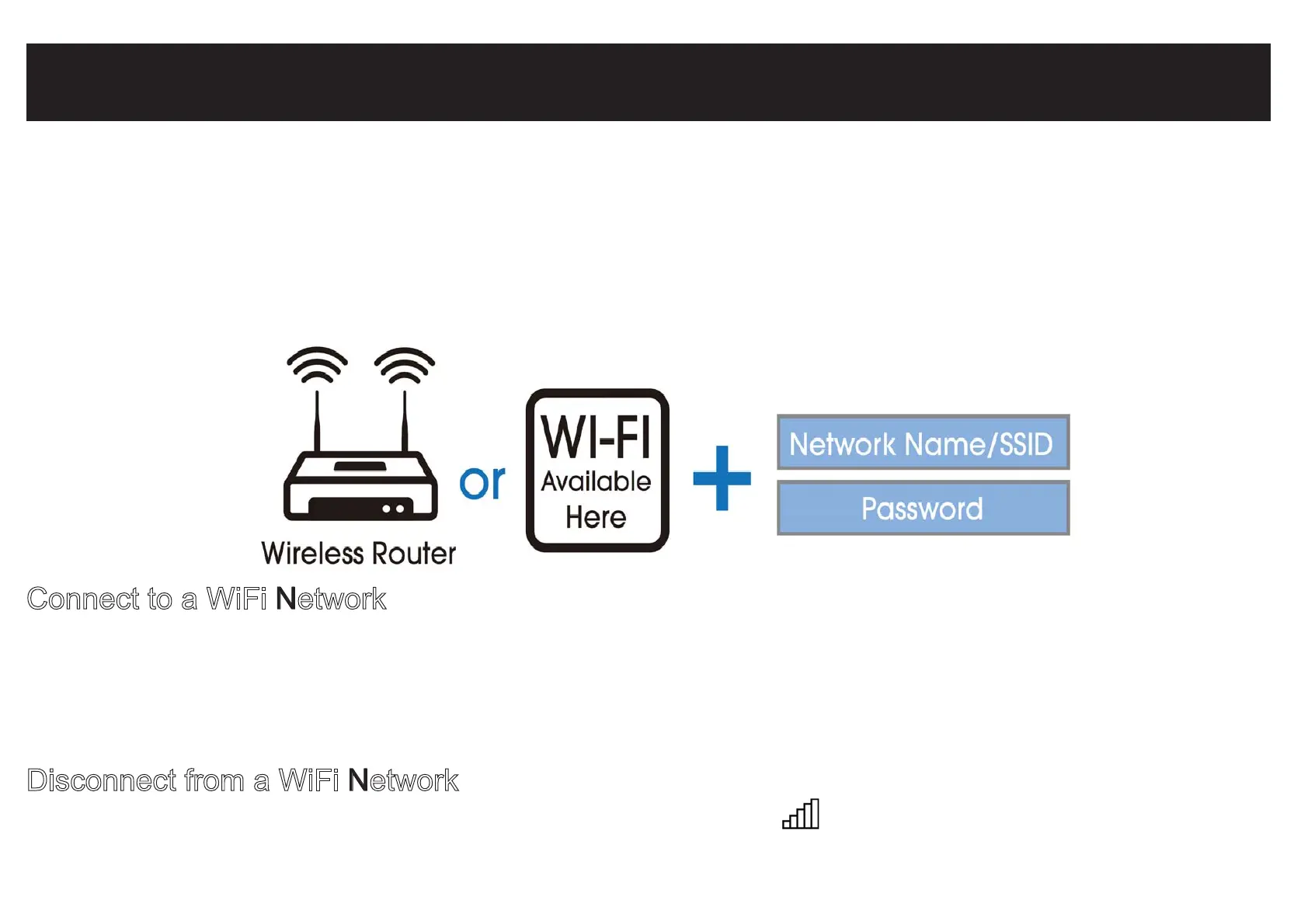
In order to connect to the internet, you will need the following:
Connect to a WiFi Network
Open the Settings charm (swipe inward from the right edge of the screen, then tap Settings).
Tap the wireless network icon. Under WiFi, tap the network you wish to connect to,
and then tap CONNECT. If prompted, type and enter the password.
Disconnect from a WiFi Network
Open the Settings charm. Tap the wireless network icon that is connected. Tap the network
with connected status, then tap DISCONNECT.


 To Next Page