Common Finger Gestures
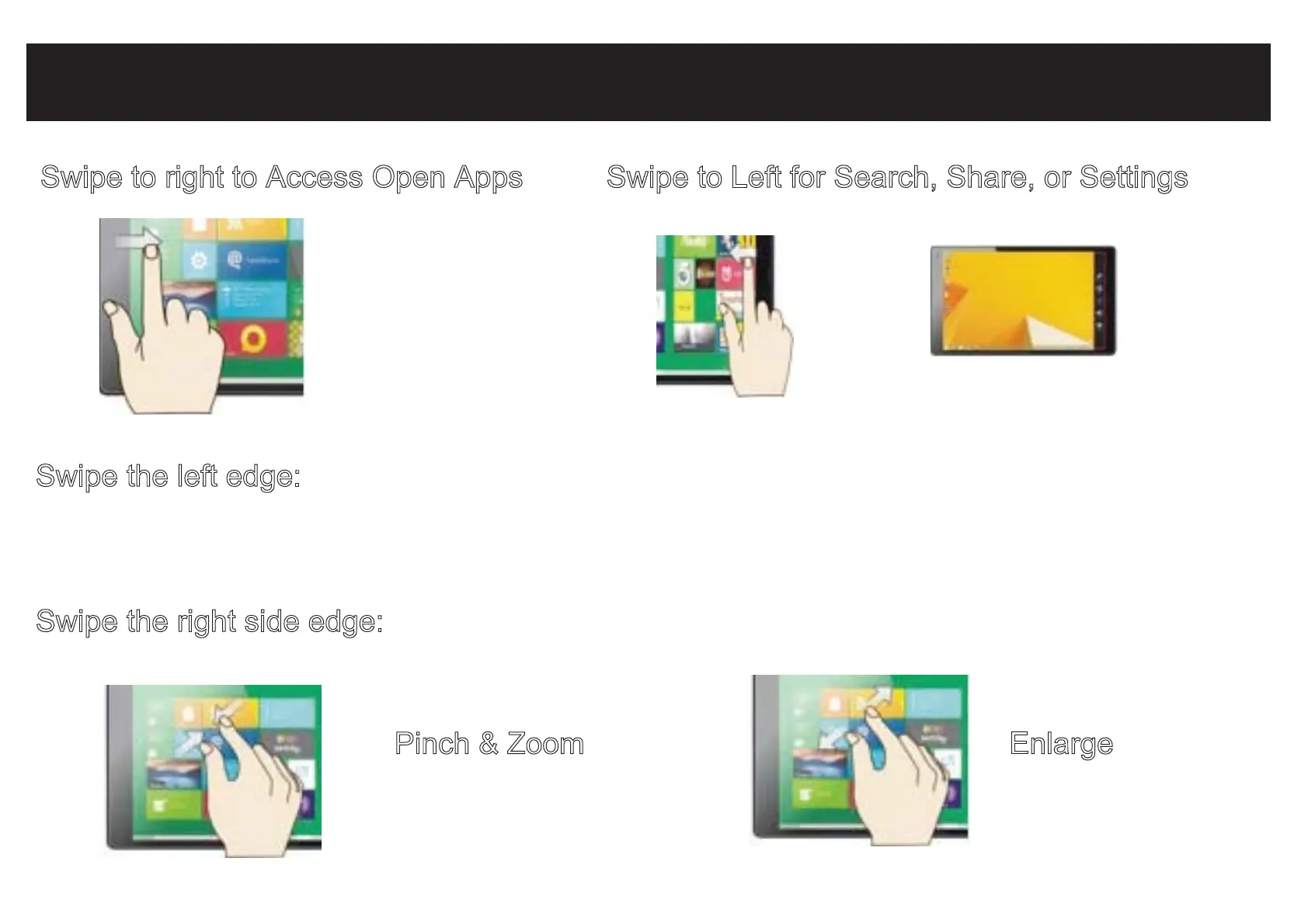
Swipe to right to Access Open Apps
Swipe the left edge: Switch between open apps by swiping inward the left edge of the screen.
Each time you swipe you will switch to another app. To switch to a specific app,
swipe inward from the left edge and with your finger still on the touchscreen, move it
back towards the left edge. Then tap the desired app.
Swipe the right side edge:
Swipe to search, share, or access PC settings.
Swipe to Left for Search, Share, or Settings
Pinch & Zoom Enlarge


 To Next Page