9
ADDING SLAVE MONITORS
SLAVE MONITOR DORVT03
Slave Monitor Settings:
Slave 1 Type 8001 Press OK BEEP Type 8006 Press OK BEEP EXIT
Slave 2 Type 8002 Press OK BEEP Type 8006 Press OK BEEP EXIT
Slave 3 Type 8003 Press OK BEEP Type 8006 Press OK BEEP EXIT
Notes on additional monitors:
The system is designed to have 2 monitors alight and display images on initial call, all monitors in the
system will ring; pressing of non-imaged monitors will enable communication with the door station
On smaller cable runs, additional monitors may be able to be programmed to alight on call - Dorani places
no Guarantee on this feature
WIRELESS
THIS IS AN OPTIONAL INSTALLER LEVEL MENU
If this optional feature was part of your installation, please contact
your installer for setup and configuration.
If your installer is not able to activate this feature please email
support@dorani.com.au; the supplementary manual will be provided
along with additional terms and conditions for this feature.
Dorani Technical support is for installers ONLY.
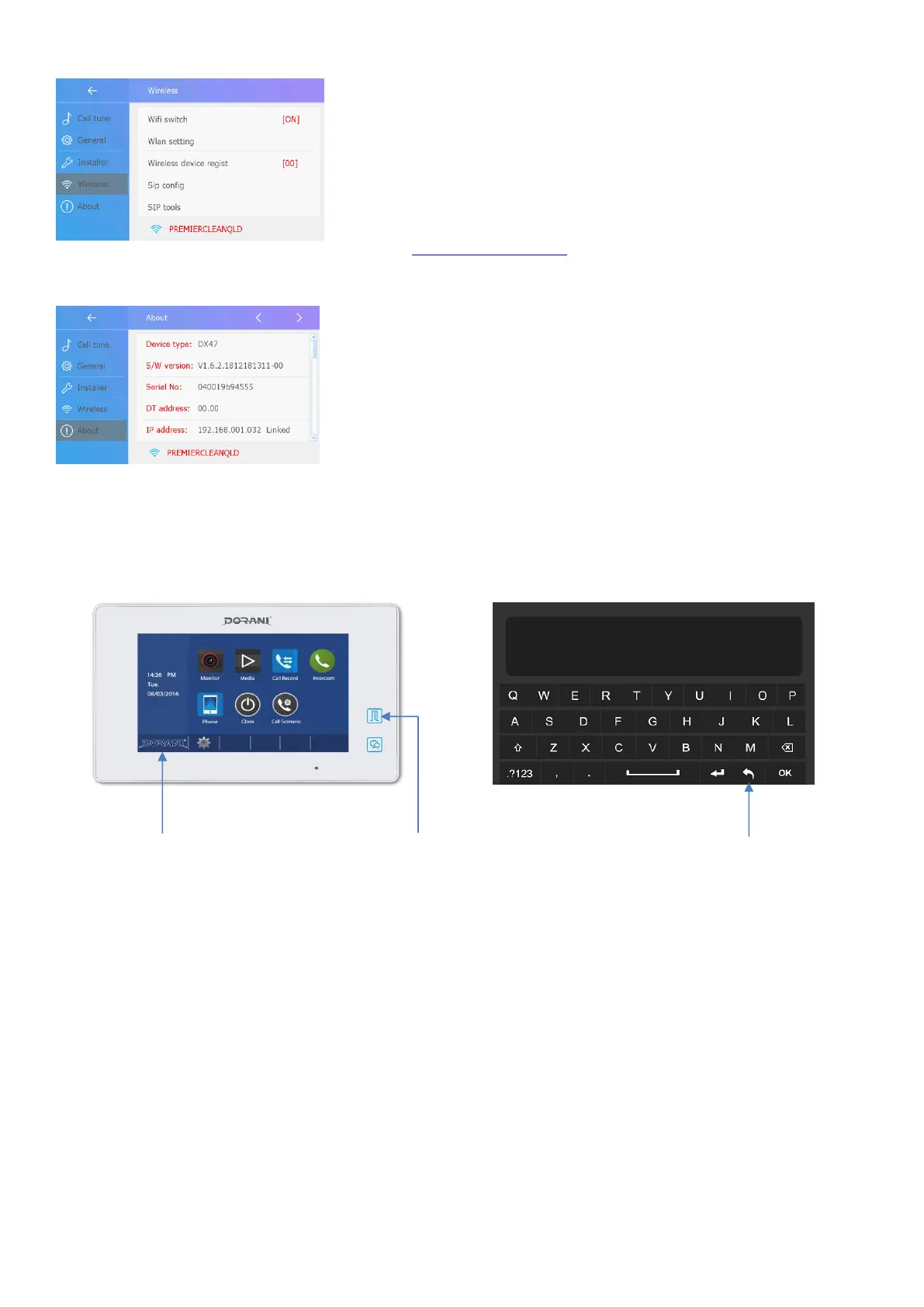
About
Shows the Monitor Information
Firmware
IP Address
Step 1:
Press Dorani Symbol
Step 2:
Press and Hold Lock
button
Installer Setup Page
Should Appear


 To Next Page
 Loading...