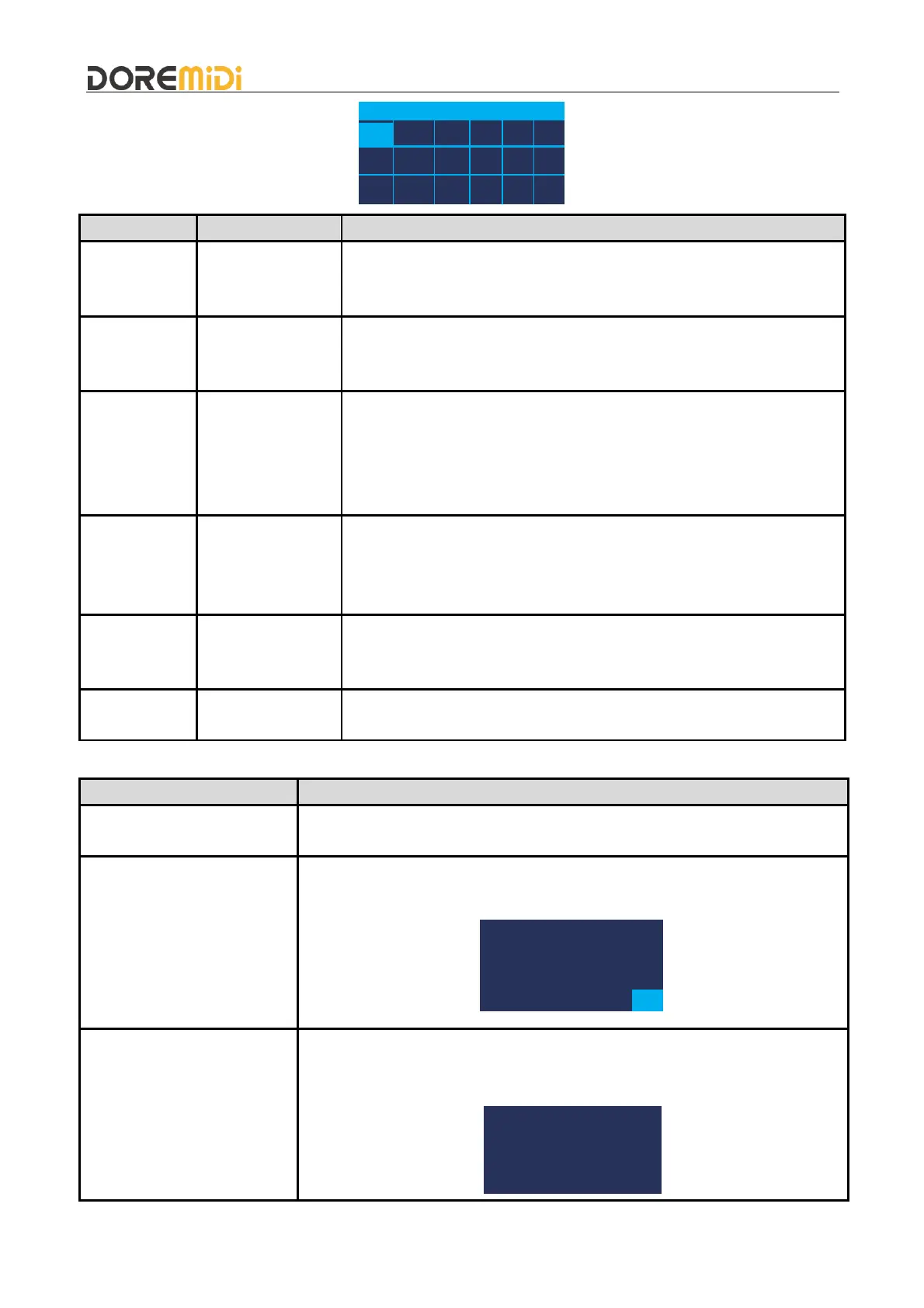
SN DMX Sta Ctl CH En
1
2
3
2 Note 0 All 0
Display and configure the parameters of the current serial number.
Parameter range: 1~1024.(Note: A new serial number will only be
added after the existing serial number has been configured.)
Configure the DMX channel.
Parameter range: 1~1024.
DMX OUT1: 1~512 DMX OUT2: 513~1024.
Configure the MIDI status byte.
Parameter range: Note/AT/CC.
Note: MIDI Notes.
CC: MIDI Continuous Controller.
AT: MIDI After Touch.
MIDI
Controller/Note
Number
Configure MIDI controller/note numbers.
Parameter range: 0~127.
When Sta = Note/AT, Ctl is the note number.
When Sta = CC, Ctl is the controller number.
Configure MIDI channels for MIDI messages.
Parameter range: All, 1~16, default All.
All: Respond to messages from all MIDI channels.
Configure to enable the parameters of this serial number.
1: enable. 0: disable enable.
Other operations
Select a serial number, press and hold the knob for 2 seconds, and the
configuration content of the serial number will be cleared.
Select the last blank serial number, press and hold the knob for 2 seconds.
Enter the factory reset. Then select "Yes".
Press and hold the knob, then power on the product, the product will enter
the upgrade mode. (Note: Please pay attention to the official website
notification, if there is a firmware update.)


 To Next Page
 Loading...