English
IMPORTANT!
If you select a network manually, your phone will lose network
connection when the selected network is out of reach. Remember to set
Choose automatically.
Data usage
Data Saver
You can reduce data usage by preventing some apps from sending or re-
ceiving data in the background. An app you’re currently using can access
data, but may do so less frequently. This may mean, for example, that im-
ages don’t display until you select them.
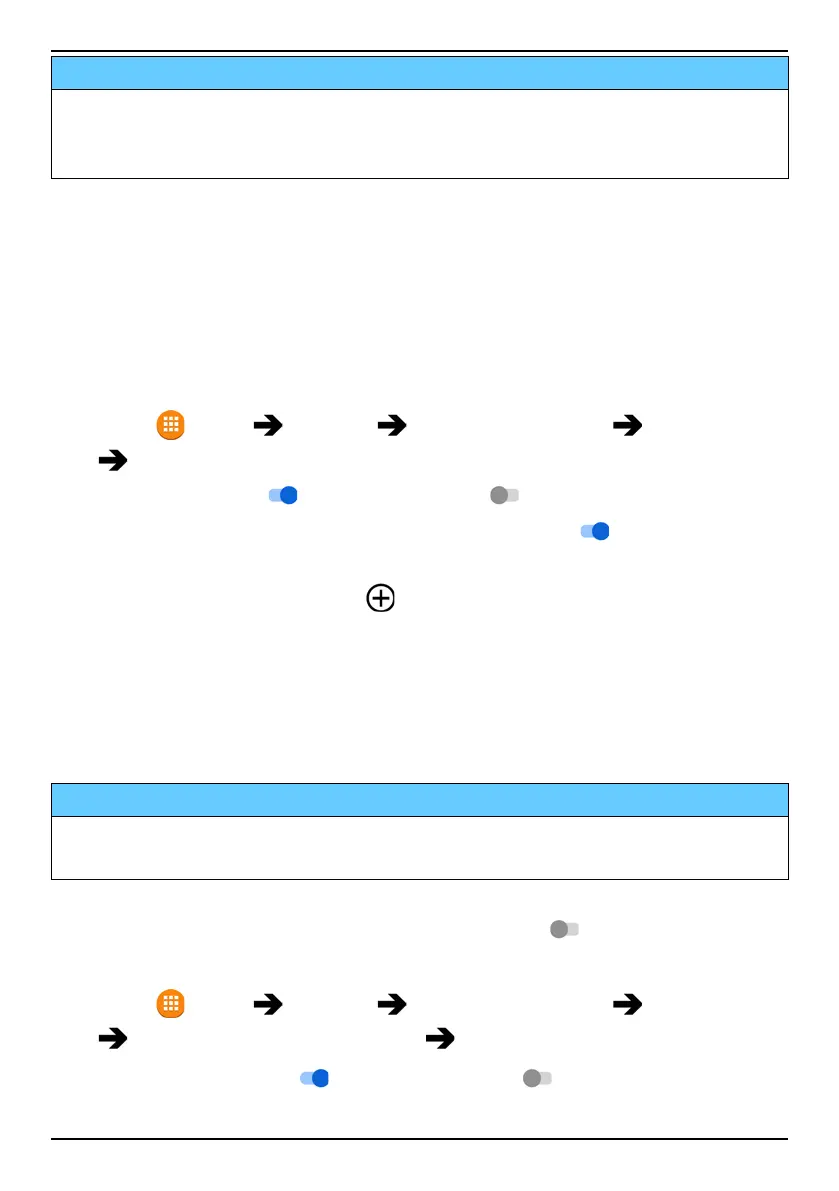
1. Press
Menu Settings Network & Internet Data usage
Data Saver.
2. Set the switch to
on to activate it or to deactivate.
3. Press Unrestricted data and set the switch to on
for the apps that
should have unrestricted data.
Note! If Data Saver is activated
is displayed in the status bar.
Mobile data
Use mobile data to access internet services and emails.
Note! If you have a Wi-Fi network setup and is avaibable, that will always
be the first choice for data communication.
IMPORTANT!
Using mobile data services can be costly. We recommend that you check
your data rates with your service provider.
Enable/disable mobile data for services like software update, internet
browser, Facebook, Weather and e-mail. Select off
to avoid data
charges.
1. Press
Menu Settings Network & Internet Data usage
select SIM card (if applicable) Mobile data.
2. Set the switch to on
to activate it or off to deactivate.
Mobile data usage
50



 To Next Page