English
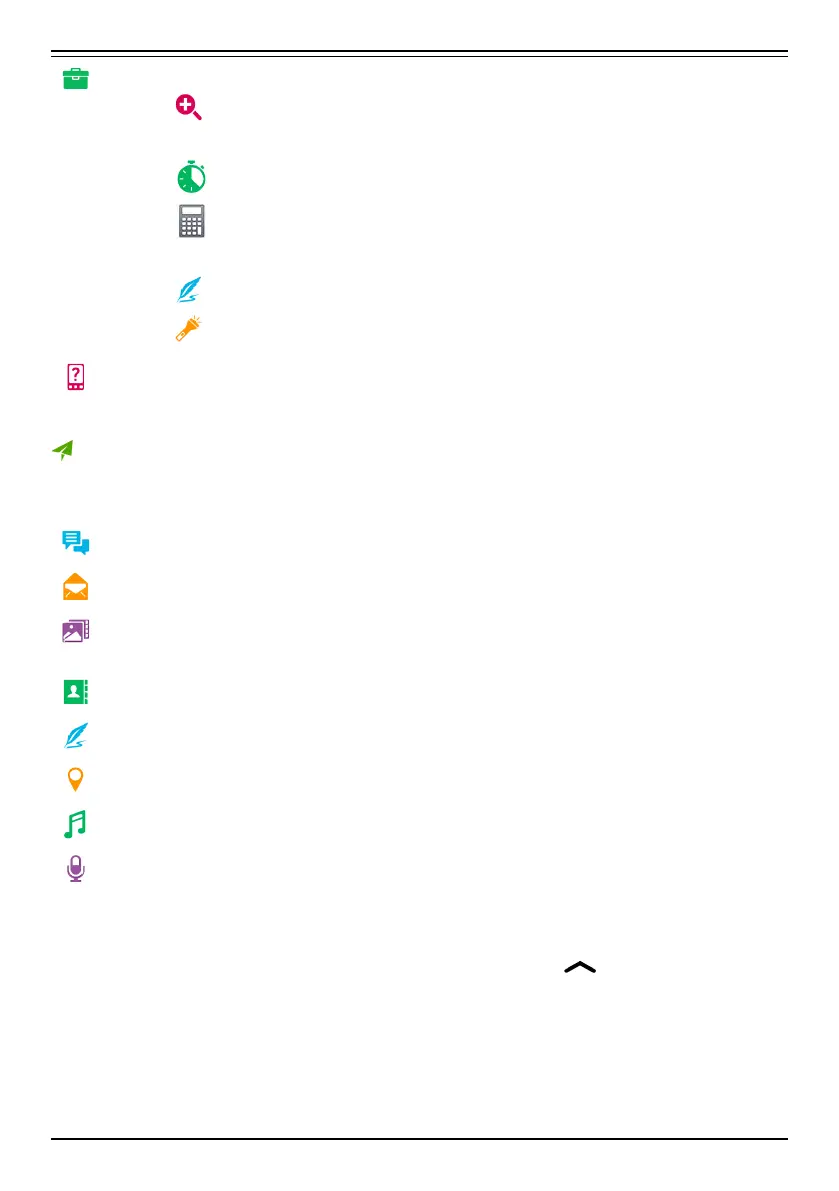
My tools to reach your tool apps:
• The magnifier to magnify text and small parts etc, see
Magnifier, p.66.
•
The timer to set a countdown timer, see Timer, p.69.
•
The calculator to make some calculations, see Calcula-
tor, p.69.
•
My notes, see My notes, p.69.
•
In the dark to switch on and off, see Torch, p.69.
My phone information to view information and data about your
phone.
Send
To send and share messages, email, pictures and more from your phone.
A message see Write messages, p.54
An email , see Write emails, p.56
A picture or video to send a picture or video. To view stored images
and videos, see Handle pictures in the Gallery, p.58
A contact card to send a contact card.
A note, see My notes, p.69.
My location to send your present location.
A music file to send a music file.
A recorded sound to record and send a recorded sound, see Re-
corded sounds, p.70.
To access the extended Home screen
1. From the Home screen swipe or tap the arrow
at the bottom of
the Home screen.
2. To close the extended screen, tap the < Back key or the ¢ Home
key.
25



 To Next Page