English
The weather forecast
1. Tap
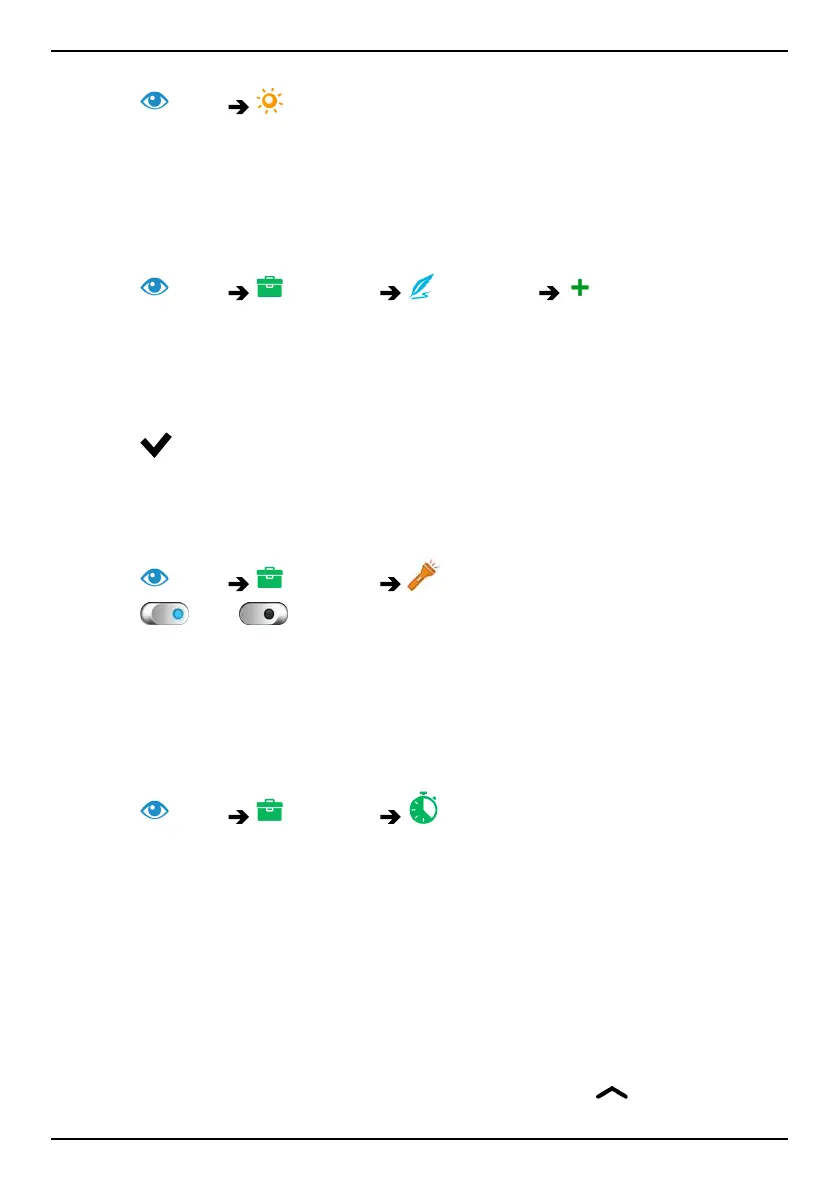
View The weather forecast.
2. Follow the on-screen instructions.
3. For more options, tap I want to.
My notes
Add a note
1. Tap
View My tools My notes Add note.
2. Enter required information.
3. For more options, tap I want to:
• Send this note to share.
• Delete this note to delete.
4. Tap
Save to confirm.
Torch
Turn on the lamp
1. Tap
View My tools In the dark.
2. Tap
and to switch on and off.
Note! The battery will drain very quickly. Remember to switch off after
use.
Timer
Set timer
1. Tap View My tools Timer.
2. Use the keypad to set the time.
3. When done, tap Start.
4. Tap Stop when the alarm goes off.
Tip: You can use the phone as usual when the timer application is
running as long as the phone is turned on.
Calculator
Perform simple calculations.
1. From the Home screen swipe up or tap the arrow
at the bottom
of the Home screen.
69



 To Next Page