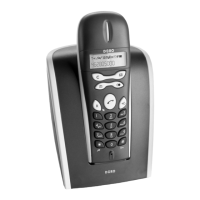
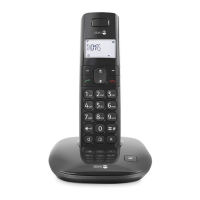
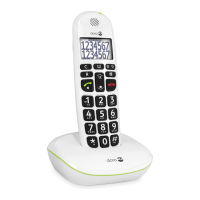
Please note when programming all references to press = to press once and then immediately release
Enter the required telephone number. Mistakes can be erased using
, the telephone number will now be dialled.
Q, the telephone number will now be dialled.Q
again to terminate the call.
Q again to terminate the call.Q
Wait for the handset to ring.
again to terminate the call.
Q again to terminate the call.Q
The telephone’s ringing signal does not follow the line signal, ie it may continue to ring for up to 7
seconds after answering a call. If the telephone cannot connect to a line, a warning tone will be heard.
The problem may be due to the batteries running low, the handset being too far from the base unit or all
of the transmission channels being engaged.
The ve most recently dialled numbers can easily be redialled using
and scroll to the required telephone number using
, the displayed telephone number will now be dialled.
Q, the displayed telephone number will now be dialled.Q
The earpiece volume may be adjusted during a call by pressing
The volume is adjusted by accessing the menu, please refer to page 17.
The display will show the selected volume: +=low, ++=medium, +++=high, and
Within approximately 5 seconds after the connection of a call, a timer will be shown on
the display. The timer helps you keep track of how long the call lasts.



 To Next Page