13
English
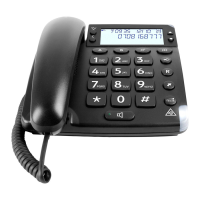
Ring signal
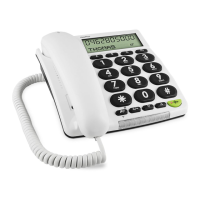
Ring volume, melody and tone can be adjusted to ensure you
can hear the ring clearly. These are found underneath the
telephone:
RINGER Ring volume
RINGER MELODY Ring melody
RINGER TONE Ring tone
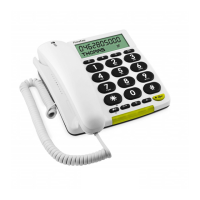
LCDDisplay
Underneath the telephone there is a switch LCD to change the
style of the LCD display. Choose the style you are able to see
more clearly.
Memory
Saving Speed Dial Numbers
Press down
*
until
b
123... is shown.
Enter the telephone number, including the area code.
Press down
*
until
b
ABC... is shown.
Press equivalent numerical digit key one or more times for
desired name (the characters are printed below the numerical
keys). Space=
1
.
Press down
*
until
b
A-D is shown.
Select speed dial (A-D) by pressing on the appropriate button.
º
is shown. The number is now saved.
If a pause is required in the telephone number, press REDIAL.
The display shows P.
If a number needs changing, simply save the new number in
place of the old one. You can go back/delete using .
STROBE (Flashing light)
To alert you to incoming calls, a powerful ashing light can be
activated when the telephone is ringing. The settings can be
found under the telephone.
ON Flashing light ON.
OFF Flashing light OFF.
1.
2.
3.
4.
5.
6.
7.


 To Next Page