EasyManua.ls Logo

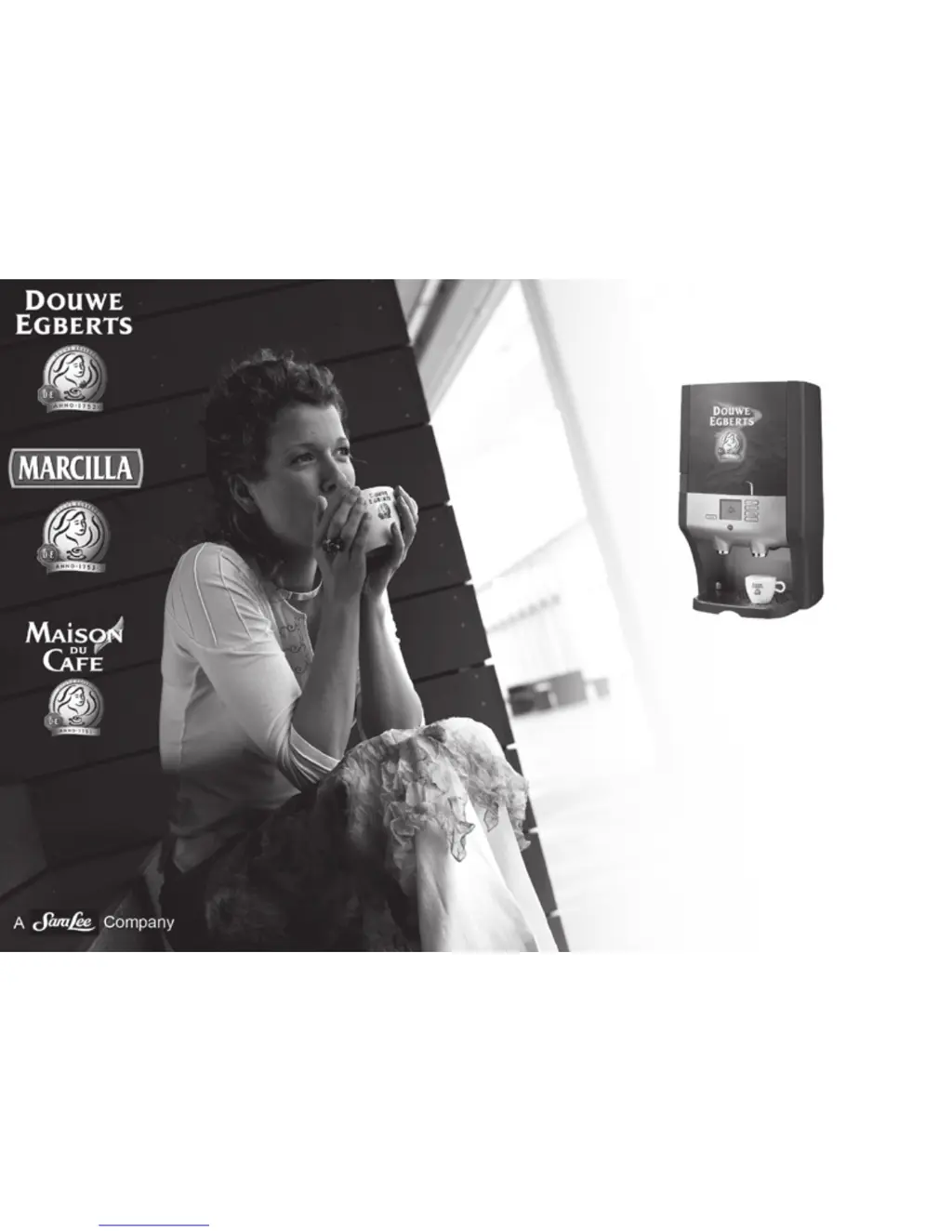
Douwe Egberts Cafitesse 60 - User Manual

Douwe Egberts Cafitesse 60
48 pages
Print Icon
To Next Page IconTo Next Page
Loading...
Gebruiksaanwijzing
Mode d’emploi
Bedienungsanleitung
Operator manual
Instrucciones de servicio
Cafitesse 60
December 2009
Article no. 700.403.422-C

Other manuals for Douwe Egberts Cafitesse 60

Questions and Answers

  • J
    Jeremiah SmithJul 30, 2025
    What to do if my Douwe Egberts Cafitesse 60 dispenser doesn’t react?
    • P
      Paul LandryJul 30, 2025
      If the Douwe Egberts Coffee Maker dispenser isn’t reacting, first check the wall outlet, power cord, and power supply to ensure there is no power failure. If power is available, the boiling dry safety may have been activated; try to reset or replace it.
  • S
    Sheri MartinezAug 3, 2025
    Why is my Douwe Egberts Cafitesse 60 leaking water?
    • J
      Jamie BookerAug 3, 2025
      If your Douwe Egberts Coffee Maker is leaking water, examine the inlet valve to see if it's closing correctly and replace if necessary. Also, inspect the water tank for any signs of leakage. If a leak is found, fill/check the water tank or replace the defective part.
  • L
    leah18Aug 8, 2025
    What to do if the dosed volume doesn’t match programmed volume in my Douwe Egberts Cafitesse 60?
    • M
      megan07Aug 8, 2025
      If the dosed volume from your Douwe Egberts Coffee Maker doesn’t match the programmed volume, it might need calibration. Calibrate the dispenser. If that doesn’t solve the issue, the light sensor might be defective and require replacement. Alternatively, the encoder disc might be assembled too high; push it downwards so the serration comes between the light sensor.
  • W
    wilsonannetteAug 12, 2025
    Why is water dripping from the wrong outlet of my Douwe Egberts Cafitesse 60 Coffee Maker?
    • B
      Brian GravesAug 12, 2025
      If water is dripping or coming from the wrong outlet in your Douwe Egberts Coffee Maker, the light sensor (water selector) might be dirty. Try cleaning the light sensor. If the issue persists, the light sensor may be defective and need replacement. Other potential causes include calcification of the water selector outlet (disassemble and check the outlet), a defective water selector (check its function and replace if necessary), calcification between the serration of the water selector disc (disassemble, check the serration, and remove calcium deposits), a dirty trough (clean the trough), or badly mounted water selector tubes or tubes upon the trough inlet (check and correct).
  • K
    Kenneth DorseyAug 16, 2025
    How to fix a Douwe Egberts Cafitesse 60 Coffee Maker when no water is dosed?
    • L
      lisabrownAug 16, 2025
      If no water is dosed by your Douwe Egberts Coffee Maker, the pump motor might be defective. Check the voltage between the PCB and the pump motor and replace any defective parts. Another possible cause is a float stuck in a high position. Inspect the float and float needle for roughness, and replace any defective parts.
  • R
    Robert PerezAug 21, 2025
    How to stop condensation in the cooling compartment of my Douwe Egberts Coffee Maker?
    • A
      Ann MendozaAug 21, 2025
      If you notice condensation in the cooling compartment of your Douwe Egberts Coffee Maker, ensure that the dispenser door is closing properly and check/replace the door locking mechanism if needed. Also, inspect and replace the sealing if necessary.
  • J
    Jennifer WeberAug 25, 2025
    Why is my Douwe Egberts Cafitesse 60 not cooling properly?
    • R
      Rachel SmithAug 25, 2025
      If your Douwe Egberts Coffee Maker isn’t cooling properly, the Peltier element may be badly mounted; check and correct its positioning. Alternatively, the Peltier element might be dirty; disassemble and clean it.

Summary

Introduction to Cafitesse 60 Dispenser

Safety Instructions for Cafitesse 60

Electrical Safety and Ingredient Storage

Electrical Safety Warnings

Critical warnings regarding power cord, outlets, and water exposure.

Storing Ingredient Packs

Guidelines for proper storage and handling of ingredient packs.

Dispenser Components and Identification

Key Dispenser Parts Diagram

Visual identification of the dispenser's main components.

Understanding Display Pictograms

Meanings of Display Icons

Explains the various symbols shown on the dispenser's display.

Operating Panel for Beverage Selection

Beverage Selection Buttons

Details on buttons used for dispensing drinks.

Programming Buttons Overview

Functions of Programming Buttons

Explains the buttons used for programming and settings.

Basic Dispenser Operation

How to Switch On the Dispenser

Step-by-step guide to powering on the dispenser.

How to Switch Off the Dispenser

Step-by-step guide to powering off the dispenser.

Filling the Water Tank

Water Tank Filling Procedure

Instructions for refilling the water tank on removable models.

Ingredient Pack Replacement

Placing and Replacing Ingredient Packs

Detailed steps for inserting or changing ingredient packs.

Dispensing a Single Cup of Drink

How to Dispense a Cup

Step-by-step guide to dispensing a single cup of beverage.

Dispensing a Pot of Drink

How to Dispense a Pot

Instructions for dispensing a full pot of beverage.

Dispensing Hot Water

How to Dispense Hot Water

Step-by-step guide to dispensing hot water.

Moving the Dispenser with Water Tank

Preparation for Moving the Dispenser

Essential preparation steps before moving the dispenser.

Moving the Dispenser Safely

Dispenser Relocation Steps

Detailed instructions for safely moving the dispenser to a new location.

Accessing the Operator Menu

Entering the Operator Menu

Instructions on how to access the dispenser's operator menu.

Viewing Consumption Readings

Reading and Resetting Counters

How to view and reset various consumption counters.

Manual Daily Cleaning Procedure

Daily Cleaning Steps

Step-by-step guide for daily cleaning of the dispenser.

Automatic Periodic Cleaning Procedure

Cleaning Models with Removable Water Tank

Specific cleaning instructions for models with a removable water tank.

Starting the Automatic Cleaning Program

Initiating the Cleaning Cycle

Steps to start the automatic cleaning program.

Customizing Dispenser Settings

Setting Date and Time

Guide to setting the dispenser's internal clock and calendar.

Changing Display Language Settings

Selecting Display Language

How to choose the display language for the dispenser.

Controlling Display Text Output

Enabling or Disabling Text Displays

Instructions to turn display text on or off.

Almost Empty Ingredient Detection

Setting Almost Empty Warnings

How to configure the warning for nearly empty ingredient packs.

Adjusting Drink Volume Settings

Adjusting Cup Volume

Guide to adjusting the volume of dispensed drinks per cup.

Adjusting Drink Strength Settings

Adjusting Ingredient Strength

Guide to adjusting the strength of drinks by changing ingredient ratio.

Descaling the Dispenser

Safety Precautions for Descaling

Important safety measures to follow during the descaling process.

Starting the Descaling Program

Descaling Process Initiation

Steps to begin the optional descaling program.

Storage and Recommissioning Procedures

Recommissioning After Storage

Steps to put the dispenser back into service after extended storage.

Storing the Dispenser for Extended Periods

Steps to safely store the dispenser for a long duration.

Troubleshooting Dispenser Messages

Common Display Messages and Solutions

Table of messages, causes, and actions for troubleshooting.

Troubleshooting Removable Water Tank Models

Specific Messages for Removable Tanks

Troubleshooting messages unique to models with removable water tanks.

Quick Reference for Serving Drinks

Serve a Drink and Hot Water

Visual guide summarizing how to serve drinks and hot water.

Daily Cleaning Procedures

Steps for Daily Cleaning

Step-by-step instructions for performing daily cleaning.

Periodic Cleaning Procedures

Steps for Periodic Cleaning

Step-by-step instructions for performing periodic cleaning.

Technical Specifications of the Dispenser

Dispenser Specifications Summary

Detailed technical data for the dispenser.

Douwe Egberts Cafitesse 60 Specifications

General IconGeneral
BrandDouwe Egberts
ModelCafitesse 60
CategoryCoffee Maker
LanguageEnglish

Related product manuals