22
V. DVD Player
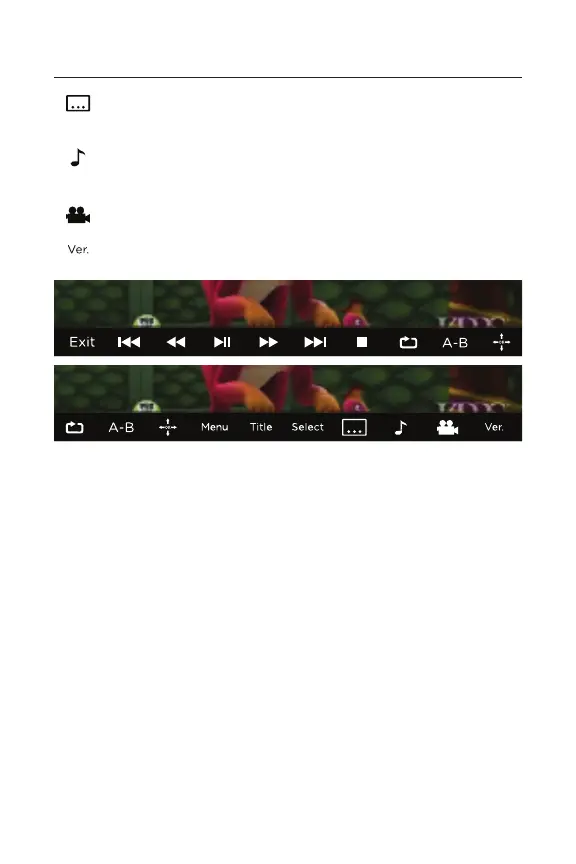
Press to activate subtitles or toggle through language
display options.
Press to change the audio language and sound type
(Sound Type: Mono Left or Right, Mixed, or Stereo).
Press to change angles (if multiple angles are available).
Shows disk information.
Connecting to a Monitor
Connect an HDMI cable (sold separately) from the device’s
HDMI port to any HDMl-compatible display (i.e. television,
computer monitor, projector, etc).


 To Next Page