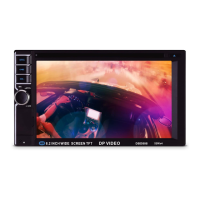
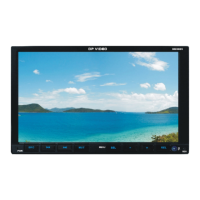
Before You Start
10
01
1
SOURCE/PWR
4
AMS/MENU
3
BAND/TITLE
5
LOC/SUB -T
6
ST/AUDIO (mono or stereo/language or
channel selector)
8
OSD
10
Slow Forward/Rewind)
7
ANGLE
13
PROG(Program playing)
12
Mute
11
P/N( system adjusting)
9
ZOOM (zoom in or zoom out)
2
GOTO (playing time/track)
RPT(Repeat Playing)
15
RDM (Playing Tracks at Random)
16
VOL+/VOL-/SEL
14
Briefly press it to show the current infor-
mation. Hold and press it to show the
current setting information.
30
25
LOUD (loudness)
SETUP
19
(F.R/F.F)
20
CLEAR
22
0~9 (Number) Buttons
23
(Eject Button)
24
18
(Stop Playing)
17
(Pause/Play)
EQ (equalizer) Button
26
21
(Previous/Next Track)
ENTER
27
(Left/Right/Up/Down
ENTER)
31
05
DVD/VCD/MP4
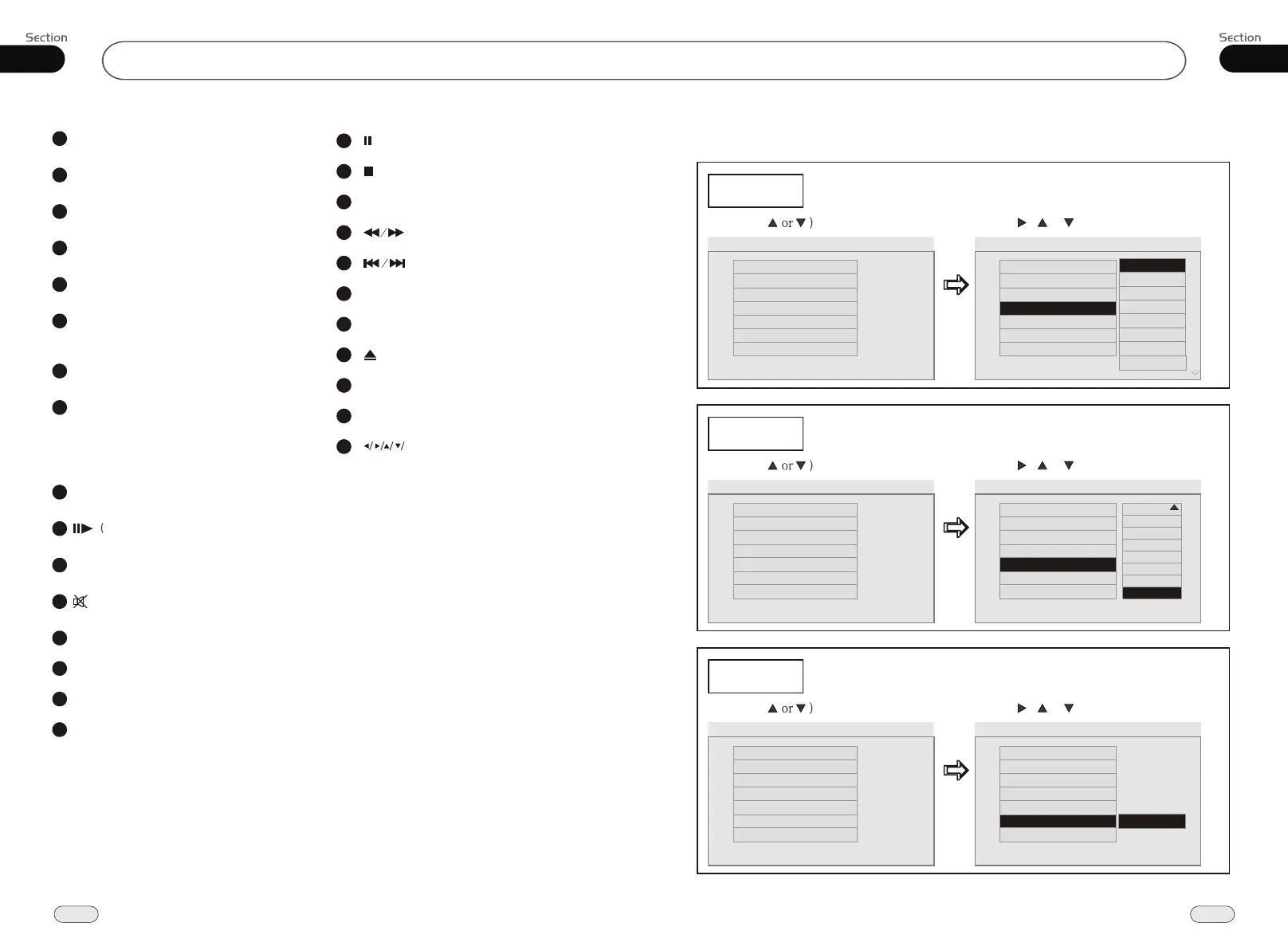
---Preferences page--
DVD Menu
Example showing how to set Disc Menu Language:
(Press , or , then press ENTER)
(Press
--Preference Page--
Go to language page
Set the DVD menu langua ge
TV Type
Audio
Subtitles
DVD Menu
Parental
Change PSW
Default
Auto
Eng
Eng
Eng
--Preference Page--
TV Type
Audio
Subtitles
DVD Menu
Parental
Change PSW
Default
Auto
Eng
Eng
Eng
Parental
Example showing how to set parental control:
(Press , or , then press ENTER)
(Press
--Preference Page--
Go to language page
Set parental control
TV Type
Audio
Subtitles
DVD Menu
Parental
Change PSW
Default
Auto
Eng
Eng
Eng
--Preference Page--
TV Type
Audio
Subtitles
DVD Menu
Parental
Change PSW
Default
Auto
Eng
Eng
Eng
Change PSW
Example showing how to set password, and the default pas sword is 8888.
(Press , or , then press ENTER)
(Press
--Preference Page--
Go to language page
Change the password
TV Type
Audio
Subtitles
DVD Menu
Parental
Change PSW
Default
Auto
Eng
Eng
Eng
--Preference Page--
TV Type
Audio
Subtitles
DVD Menu
Parental
Change PSW
Default
Auto
Eng
Eng
Eng
Change
2
3
4
5
6
7
8
Off
G
PG
PG 13
PGR
R
NC 17
Adult
English
French
Spanish
Chinese
Japanese
Korean
Russian
Others


 To Next Page