6
CD/MP3/SD/USB
CD/MP3/SD/USB Setup 33
CD/MP3/SD/USB Play 33
Quickly Selecting Tracks 34
Repeat Playing 34
Number Buttons 34
Selecting Track 34
Stop Play 34
Playing Tracks at Random 34
Pause the Playback 35
Skip backward/forward/F.F/REW
the Playback 35
On Screen Display 35
Program Playing 35
Eject SD Card 35
Eject USB 35
00
3
Contents
AUX
AUX Touch Screen Menu 38
8
7
Tuner
Listening to the Radio 36
Band Selector 36
Manual/Automatic Tuning 36
DX/LOC Selector 36
Selecting The stored Station 36
MO/ST Selector 37
Scanning/Storing Stations
Automatically 37
On Screen Display 37
Goto FREQ 37
Number Buttons 37
Additional Information
Simple Troubleshooting Guide 39
9
08
38
AUX
AUX SET
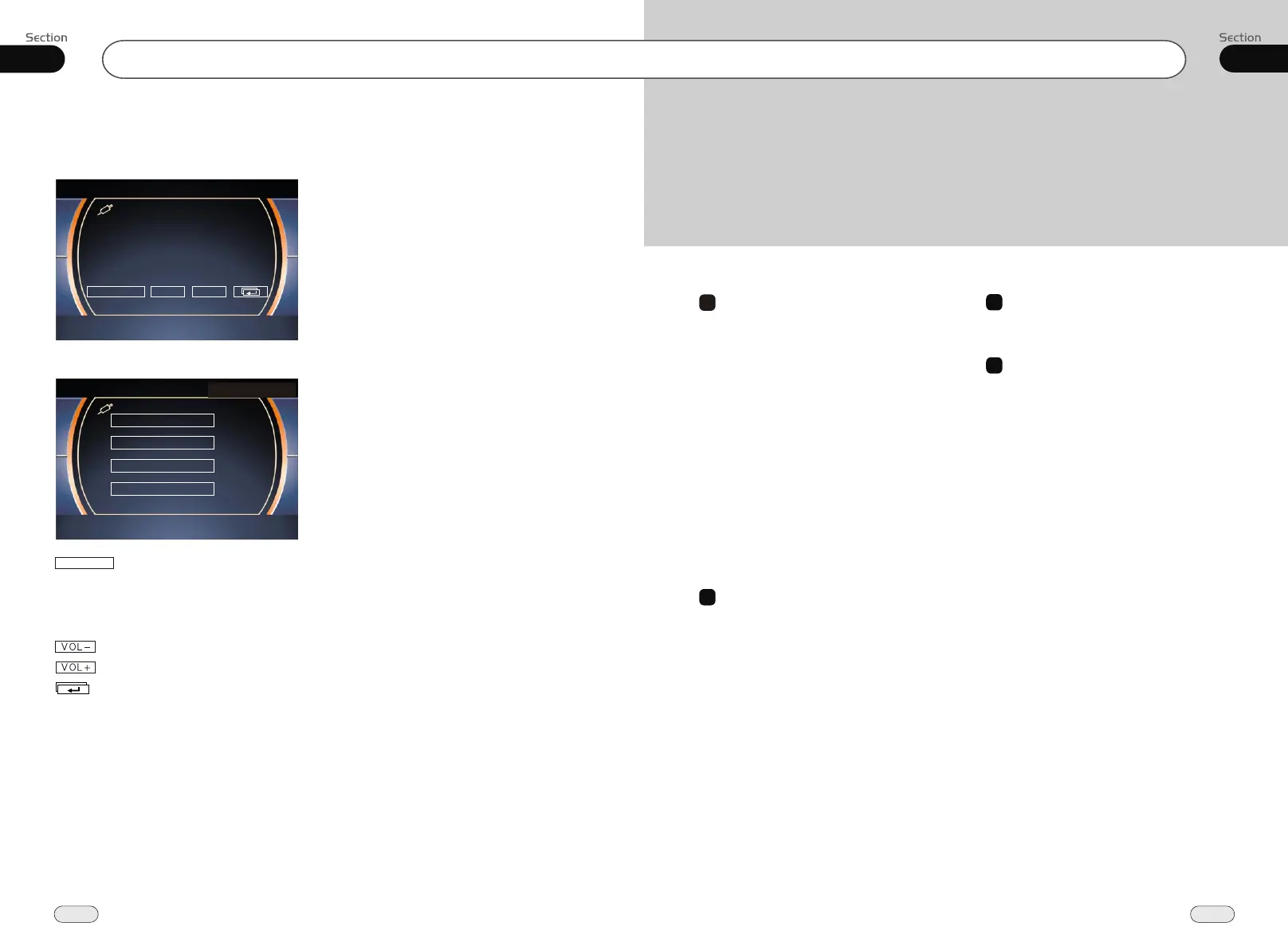
Press SRC to switch to the AUX mode:
AUX Touch Screen Menu
For more details to adjust AUDIO, VIDEO
and SYSTEM (Auto 1: PAL, NTSC, SECAM),
(Auto 2: P-M, P-N). To adjust AUDIO and
VIDEO please refer to pages 17 to 18.
To decrease the volume
To increase the volume
In AUX mode, select AUX SET:
Mode selector
VOL+VOL-
AUX SET
AUDIO ADJUST
VIDEO ADJUST
EXIT
VIDEO FORMAT


 To Next Page