BLUETOOTH
BLUETOOTH
Press and hold to activate the options and settings menu for the
current function,press again to exit the settings menus.
entering
dialed
Please note:Operation may vary depending on devices,file type and media.
selected station.(Press and hold the number to store the current station as a
preset station.)
.
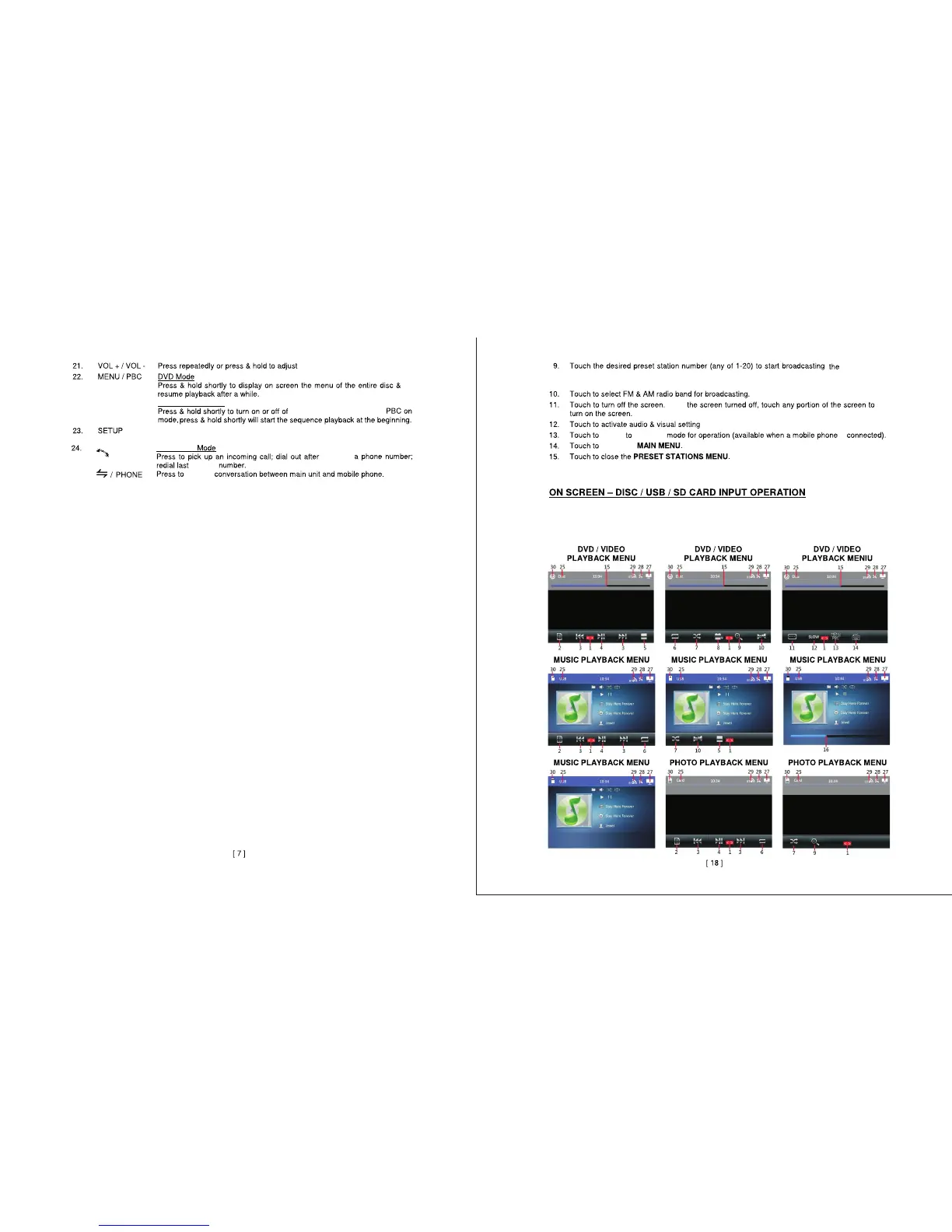
In the MAIN MENU touch“DISC/USB/CARD” icon on screen to switch between media
playback inputs.Playback will start automatically.Depending on the input device and
media,touch screen will show various playback menus and functions.
volume.
VIDEO CD MODE
play back control(PBC).
In
switch
switch
return to
With
is


 To Next Page