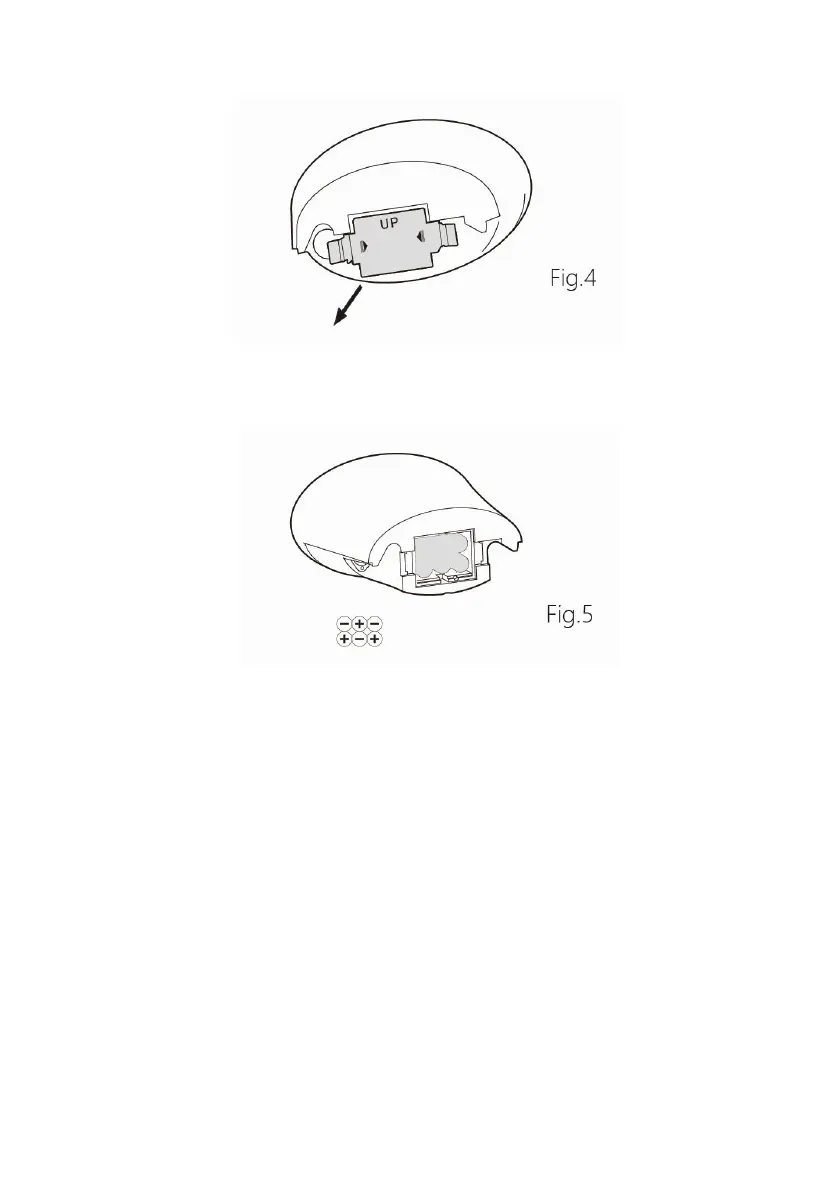
2. Insert the 6 AA batteries to the case as indicated by the polarity
symbols marked inside the case. (See Fig.5)
3. And then push the battery cover in the battery cavity. A KATA tone
will be heard, which means the battery cover has been in the right
position. Please note the indication of the “UP” direction on the
battery cover.
Note: 6 alkaline batteries are available for about 40 hours. If you won’t
use the detector for a long time, please remove the batteries from the
battery box.
PANEL AND LCD
All the controller adjustment can be displayed on the LCD, and all the
detection result also can be shown on the LCD. (See Fig.6)



 To Next Page