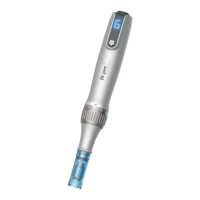
Speed Display
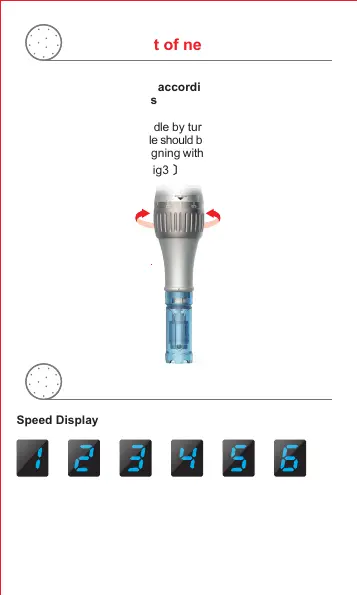
6 Speed Adjustment
Press and hold the power button for 3 seconds to start or shut
down the device. After starting the device, the speed changes
once every time the power button is pressed.
Adjustment of needle length
CounterclockwiseClockwise
Adjust the depth of the needle by turning the scale adjustment
ring. The depth of the needle should be adjusted after starting the
pen. The scale number aligning with the scale point shows the
current needle depth.
Use suitable needle size according to different treatment
areas and skin problems
6
Speed display and adjustment
〔 Fig3 〕
The depth will be longer.
The depth will be shorter.


 To Next Page