24 DR
®
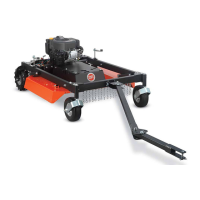
TOW-BEHIND FIELD AND BRUSH MOWER
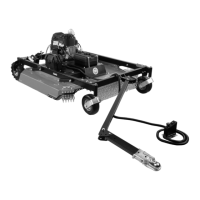
Changing the Tow Bar Offset Direction
Tow Bar can be installed for offsetting to right or left depending on which side of
tow vehicle user chooses to mow. The following steps describe installing Offset
Bracket to allow offsetting to left side of Tow Vehicle.
Tools Needed:
• 5/16 in Socket w/Ratchet
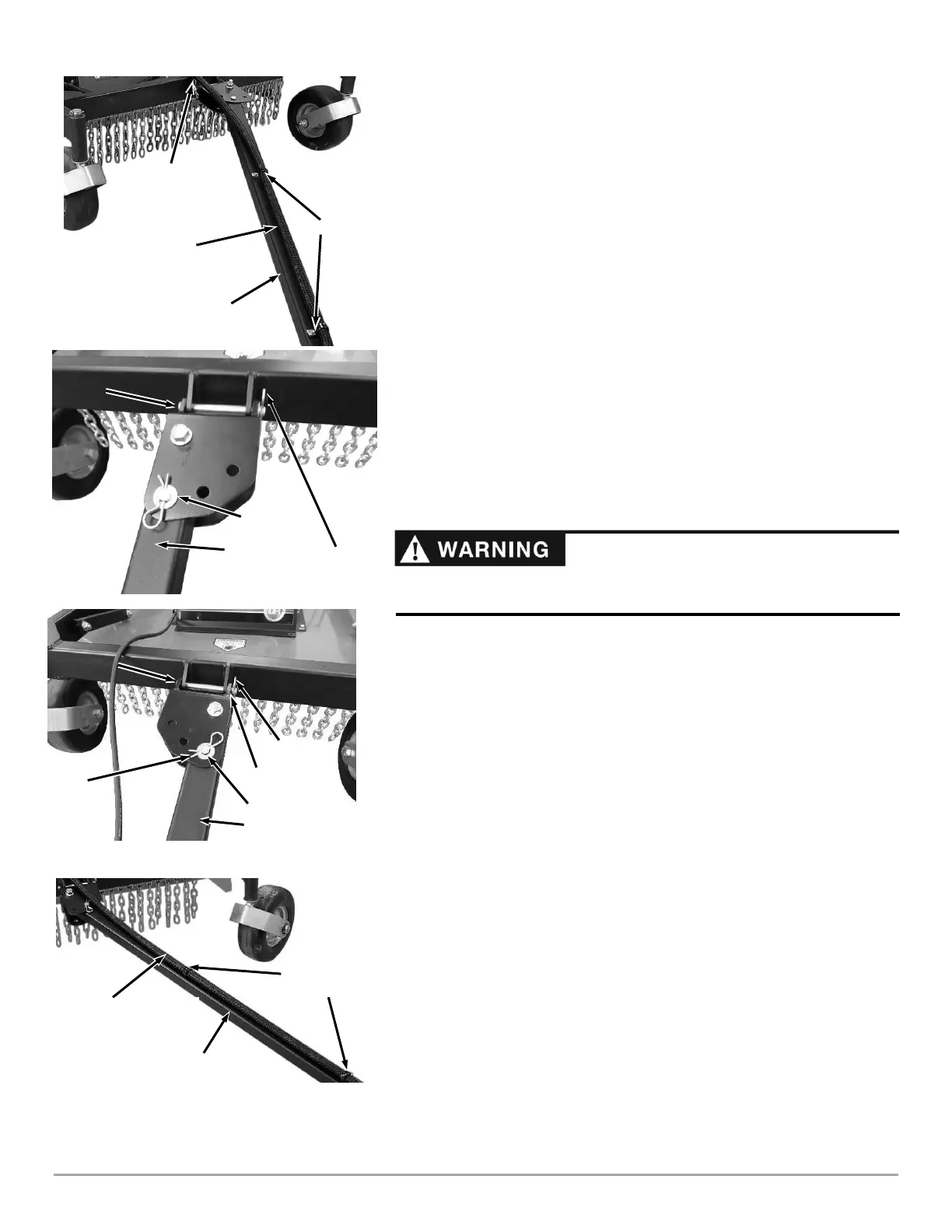
1. Remove Screws securing Cable Clamps and Remote Control Cable to the Tow
Bar using a 5/16 in Socket w/Ratchet (Figure 42).
2. Support Tow Bar when removing Hair Pin, Washer, and Clevis Pin that
secures the Offset Bracket to Push Bar (Figure 43).
3. Turn Tow Bar over to position Offset Bracket for left side offset and reattach to
Push Bar with the Hair Pin, Washer, and Clevis Pin (Figure 44).
4. Remove Clamps from Remote Control Cable and rotate so that they are facing
the opposite direction, then reinstall them onto the cable (Figure 45).
5. Route cable over the Tow Bar and line up holes in Cable Clamps with holes in
Tow Bar. Keep Cable flat and centered on Tow Bar.
6. Secure Cable Clamps to Tow Bar with Screws, using a 5/16 in Socket
w/Ratchet.
7. Remove Hair Pins, Washers, and Clevis Pins that are on Tow Bar and Tow Bar
Extension offsets and reinstall with Washers and Hair Pins on top.
8. To adjust offset, see section “Offset Mowing”.





 To Next Page