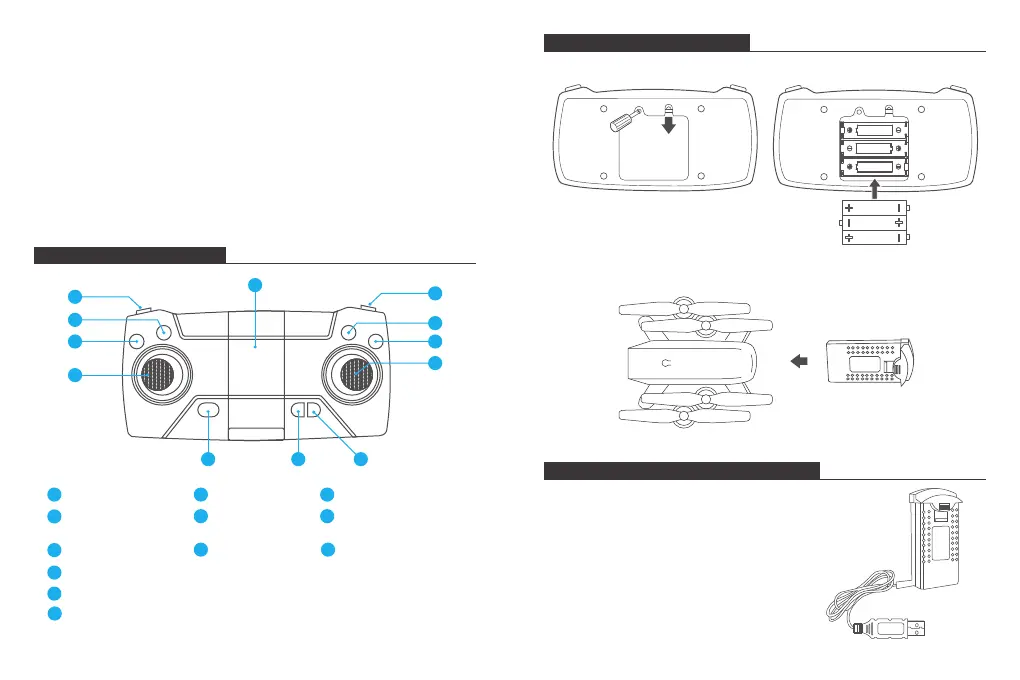
TRANSMITTER DIAGRAM
INSTALLING THE BATTERY
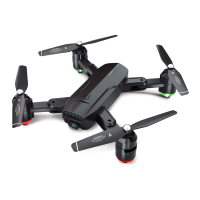
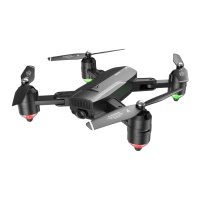
REPLACING THE PROPELLER
1. The propellers are not identical. Propellers have either an "A" or "B" mark at the
bottom and they should be installed in the position with a corresponding mark.
Make sure you install them in the correct positions. Failure to do so will result in
an inability to control the drone.
2. When flying, propeller A rotates clockwise and propeller B rotates
counterclockwise.
INSTALLING THE PROTECTIVE COVER
Snap the protective frame connectors into the shackles.
Speed switch
1
One-key Return
2
One-key Takeoff/landing
3
Headless Mode
7
Emergency stop
8
(Short press to enter fine-tuning mode, press the
joystick to slightly adjust the front, back, left and
right. Press again to exit fine adjustment.Long
press for an emergency stop.)
9
Turn left/turn right
ascend/descend
4
Phone Clamps
5
360° Flip
6
Video
10
Photo
11
Turn on/off
12
1
6
2
3
4
9
7
8
12
11
10
5
Transmitter: 3x 1.5V AA Battery (Batteries not included)
RECHARGING THE DRONE BATTERY
Take the battery out of the drone. To charge the battery,
plug the battery's USB connector into a USB port on a
computer (or USB power adapter). The LED indicator
light on the cable will turn red while it is charging and
turn off when it is fully charged. The charging time is
about 120-150 minutes.
Note: Only use the provided charging cable to
charge the battery. It is forbidden to use the
provided charging cable to charge other products.
MADE IN CHINA
AA 1.5V
AA 1.5V
AA 1.5V
Insert the battery into the drone (3.7V 1000mAh Li-Po battery included)
Direction
3 4


 To Next Page