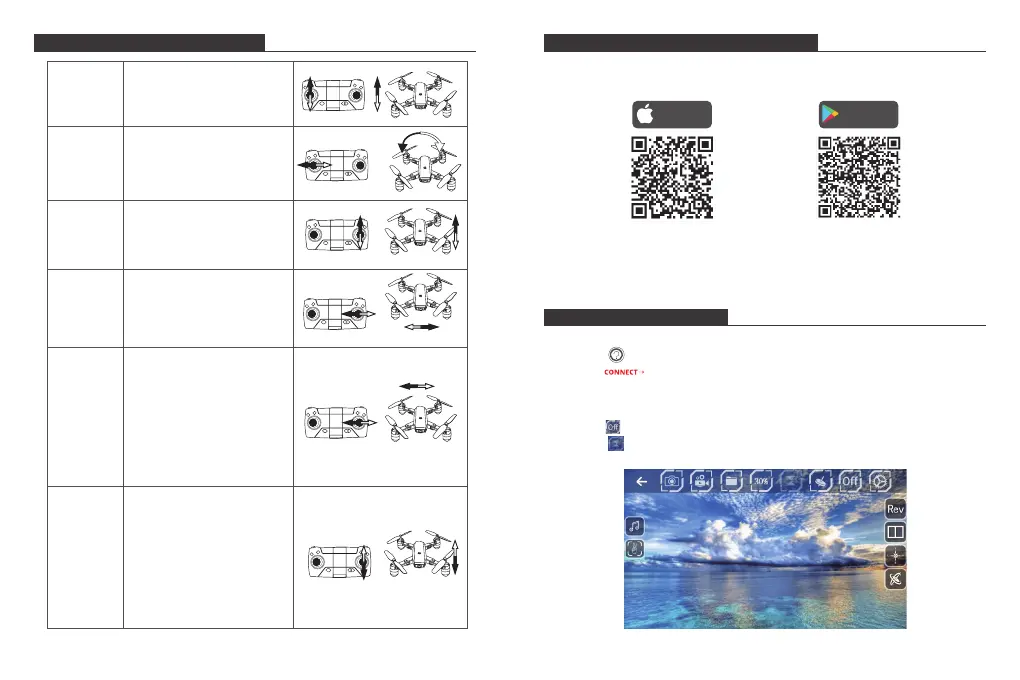
FLIGHT OPERATION METHOD
CONNECTING YOUR MOBILE DEVICE
1. Download the VS FPV app onto your mobile device from the App Store/
Google Play or by scanning the QR code below.
APP OPERATION PANEL
1. RUN THE APP "VS FPV"
① Tap the button to enter the Help interface.
② Tap the button to enter the control interface.
2. CONTROL INTERFACE
① Tap the button to open the control interface.
② Tap the button to open the altitude hold mode control button.
Download on the
App Store
GET IT ON
Google Play
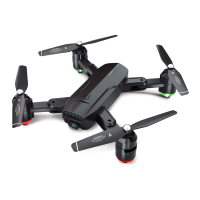
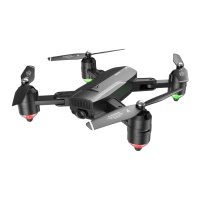
2. Power on the drone and the LED lights will flash. Go to Wi-Fi settings on your
mobile device. Connect to the network (DF01-xxxx).
Ascending/
Descending
Push up or pull down the
left joystick, and the drone
will ascend or descend.
Turning
Forward/
Backward
Side Fly
Side-fly
Fine-tuning
Forward/
Backward
Fine-tuning
Push the left joystick to the
left or right, and the drone
will turn left or right.
Push up or pull down the
right joystick, and the drone
will fly forward or backward.
Push the right joystick to the
left or right, and the drone
will fly horizontally to the left
or right.
When the drone is hovering
in the air, in the event that
the drone is automatically
advancing forward or
backward, it can be rectified
by pushing the right joystick
upward or downward until
the drone keeps the balance.
When the drone is hovering
in the air, in the event that
the drone is automatically
flying sideward on the left or
right, it can be rectified by
pushing the right joystick to
the right or left until the
drone keeps the balance.
7 8


 To Next Page