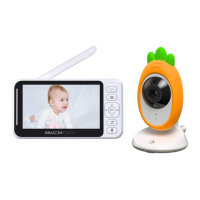
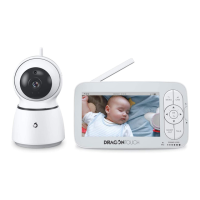
1. Main Camera Lenses
2. Night Vision Sensor
3. Indicator Light
4. Microphone
5. Power ON/OFF
6. Antenna
7. The temperature and humidity sensor
8. Micro USB Port
9. Micro SD Card Slot
10. Pair Button
2. Parent Unit
MENU
OK
VOL+
VOL-
Reset
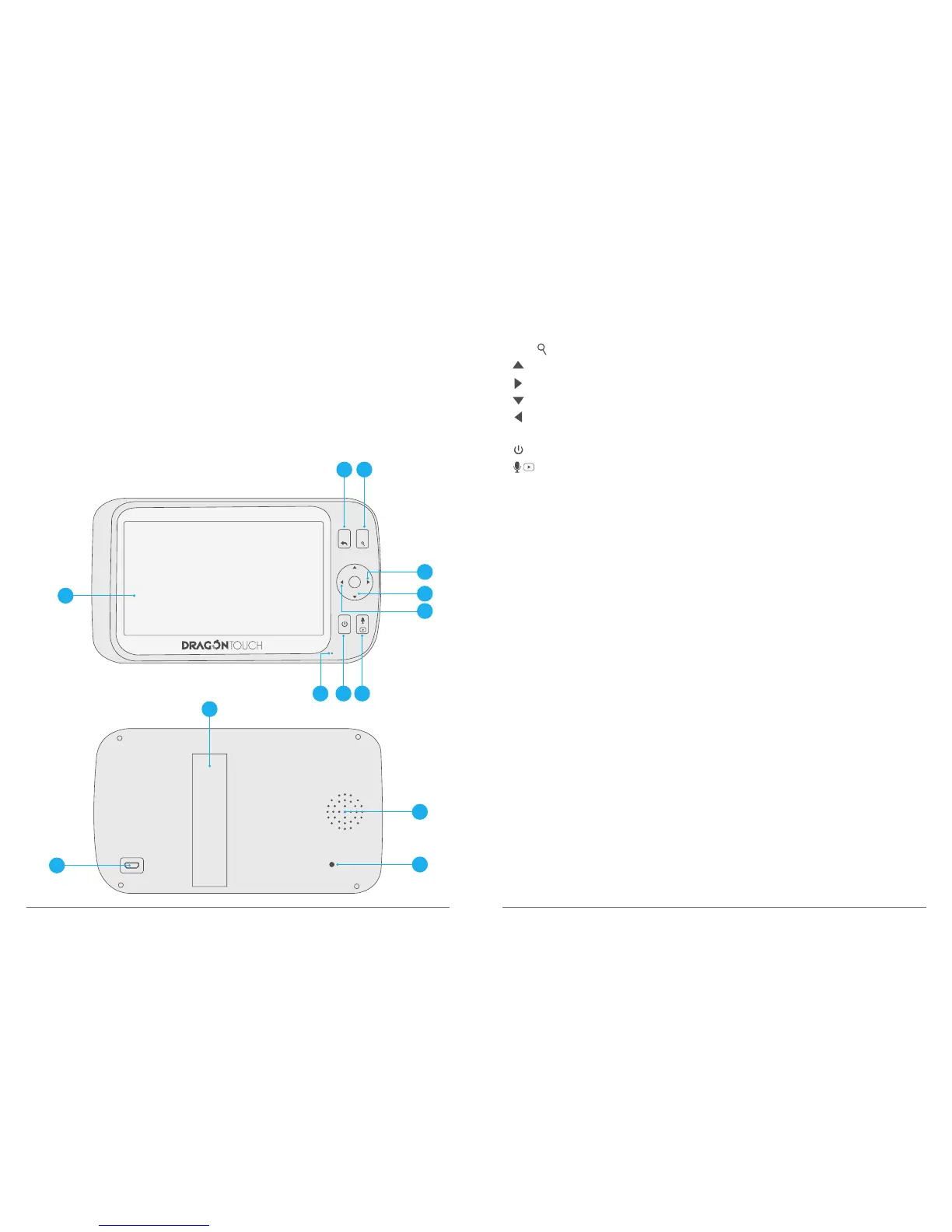
1. Menu Button: Press to access different menu options or exit the menu.
2. OK / : Short press to confirm the option. Long press to digital zoom.
3. : Short Press to adjust monitor’s voice. Long press to tilt the camera upward.
4. : Press to pan the camera right
5. : Short Press to adjust monitor’s voice. Long press to tilt the camera downward.
6. : Press to pan the camera left.
7. MIC
8. : Long press to turn On / Off the camera, short press to turn On / Off the screen.
9. : In monitor interface, long press to talk to your baby. In other setting interface,
short press back to monitor interface.0
10. Volume Level LED.
11. Speaker.
12. Reset Hole: The monitor will force a shutdown when you take this peration. Please note
othat when you turn on the monitor, it does not restore factory settings.
13. Stand.
14. Micro USB Charging Port.
03 04
3
4
11
12
6
5
14
13
10
1 2
98
7



 To Next Page