EasyManua.ls Logo

Dragon Touch DT50 - GETTING STARTED; Charge the Camera; Camera Pairing

Dragon Touch DT50
13 pages
Print Icon
To Next Page IconTo Next Page
To Previous Page IconTo Previous Page
Loading...
GETTING STARTED
1. Charge the Camera
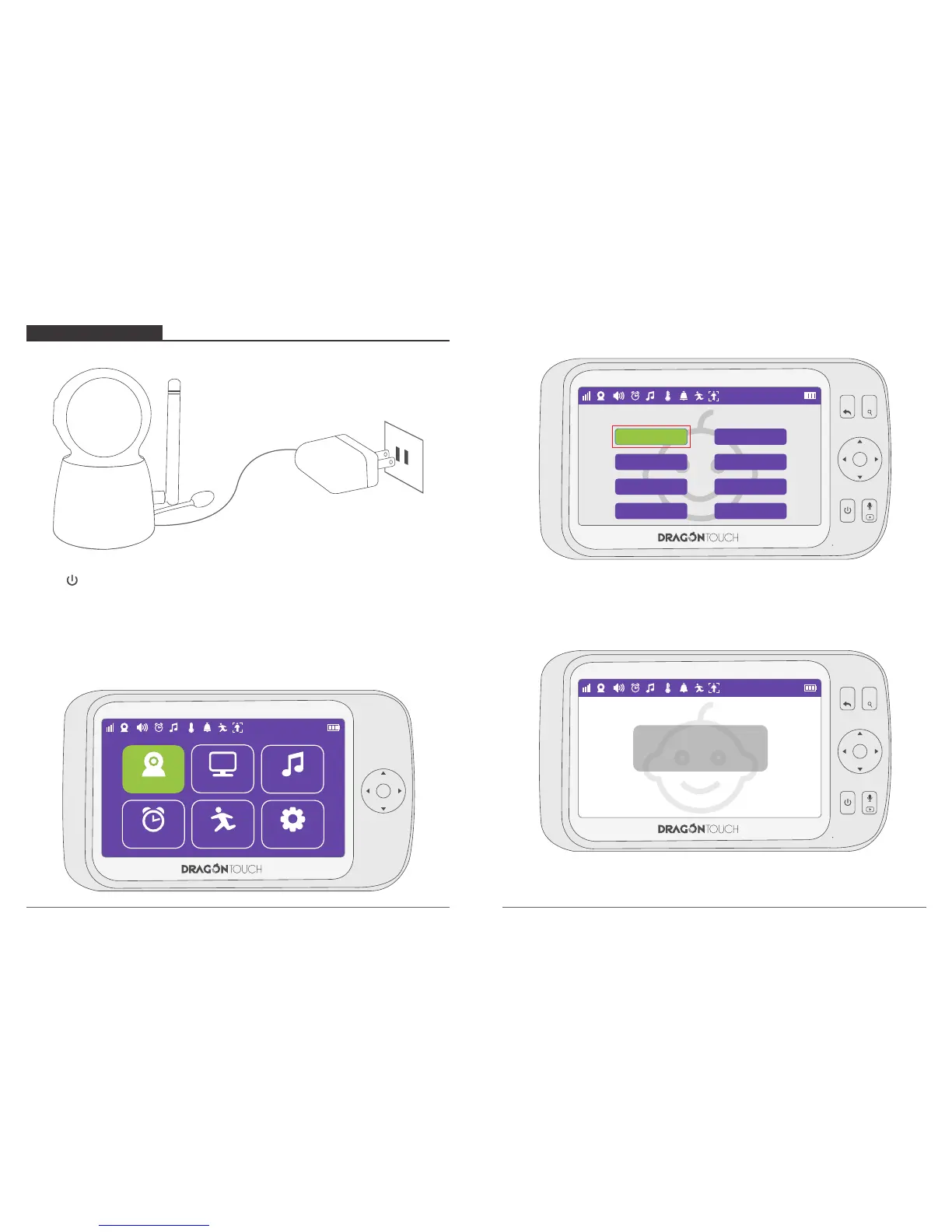
Connect the camera power adapter to the camera unit.
Press to turn On / Off the camera.
Position your camera unit no less than 3 feet away from your baby’s crib. Ensure the
power cord is not within reach of your baby.
2. Camera Pairing
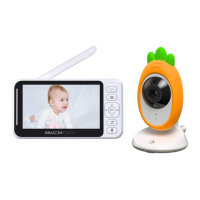
Press Menu button to enter to the interface, choose “Camera”.
MENU
OK
VOL+
VOL-
22°C
Camera Lullabies
View
Feeding Timer Auto Tracking
Setting
1
1
Press “OK” button to enter to the interface.
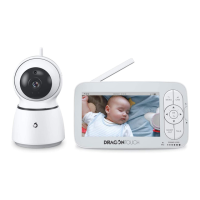
The monitor will show “Camera Pairing”.
MENU
OK
VOL+
VOL-
1
22°C
1
Add Camera
Camera 1
Camera 2
Camera 3
Camera 4
Camera 5
Camera 6
Camera 7
Camera 8
Delete Camera
MENU
OK
VOL+
VOL-
1
22°C
1
Camera Pairing
30
05
06

Related product manuals