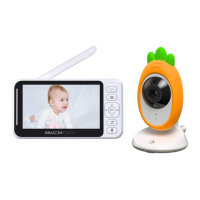
7.1. Language Setting
Select the language to display
7. Setting
Press Menu button to enter to the function interface, choose “Setting”.
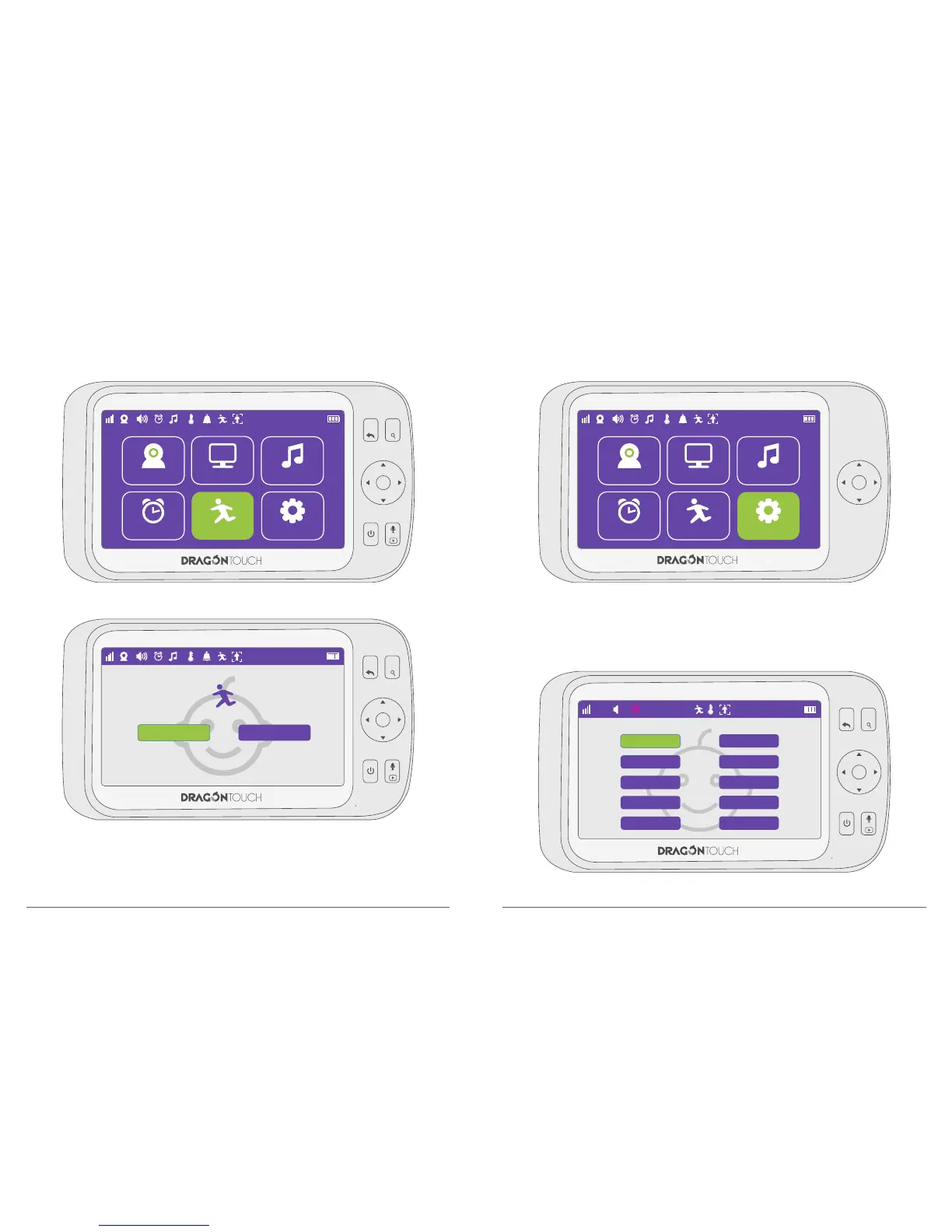
6. Auto Tracking
① Press Menu button to enter to the function interface, choose “Auto Tracking”.
② Press “ON / OFF’” to enable / disable this function.
③ After selected ON, camera will automatically move following with the people or object in
the range of lens.
Please Note: When the camera detects movement, there will be a delay in following the
auto tracking function.
11
12



 To Next Page