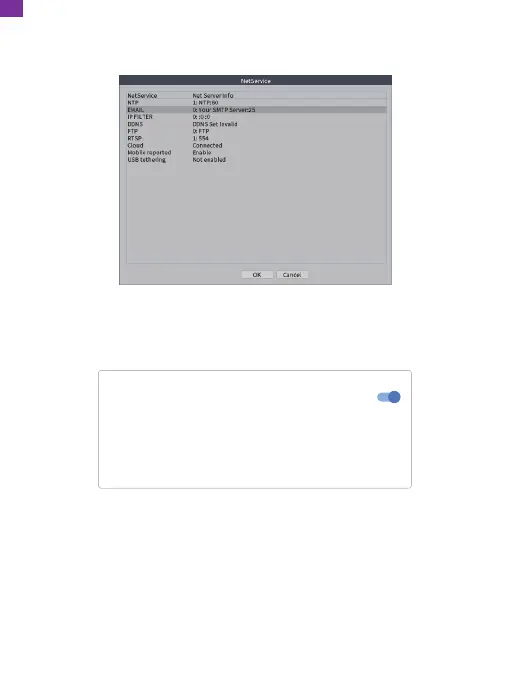
③ Go to the NVR's [Main Menu] → [Main Menu] [Network] → [Net Service] →
[EMAIL] to enter the Email Settings interface, then double-click [EMAIL].
④ Login to your Gmail mailbox on the website and enter
https://myaccount.google.com/security?pli=1#connectedapps.
Allow less secure apps: ON
Some apps and devices use less secure sign-in technology, which could leave
your account vulnerable. You can turn off access for these apps (which we
recommend) or choose to use them despite the risks.
EN
24


 To Next Page