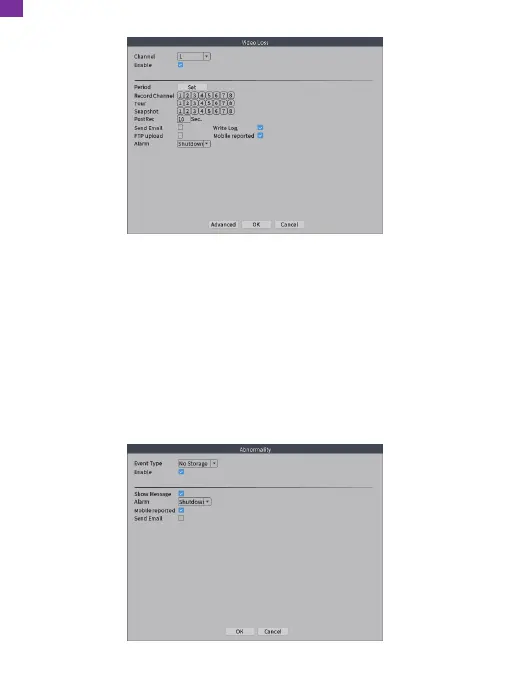
18. Abnormality
① Go to the NVR's [Main Menu] → [Record] → [Record Configuration] to check
[Alarm].
② Go to the NVR's [Main Menu] → [Alarm] → [Abnormality] to enter the
Abnormality interface. Click and select [Event Type] (No Storage/Storage Device
Error/Storage No Device/Net Disconnection/IP Conflict can be selected),
[Enable], [Show Message], [Mobile Reported] or [Send Email] according to
your needs, then click [OK] to save.
Analyzing and inspecting current software and hardware of the device: When some
abnormal events occur, the device will give a relative response such as displaying
a message.
EN
27



 To Next Page