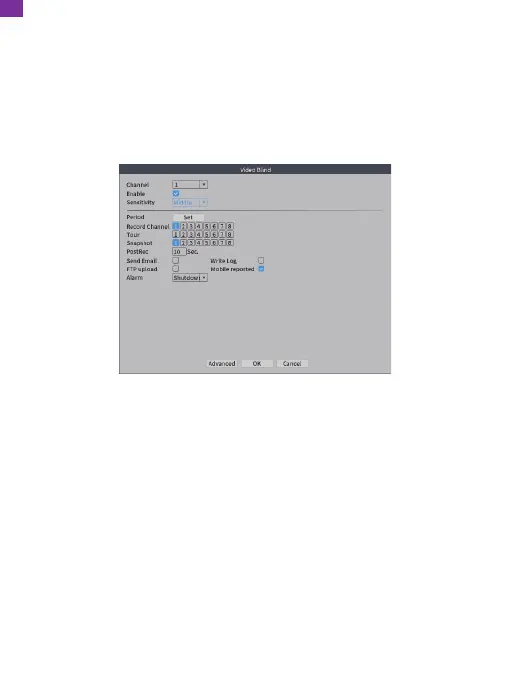
16. Video Blind
① Go to the NVR's [Main Menu] → [Record] → [Record Configuration] to check
[Detect].
② Go to the NVR's [Main Menu] → [Alarm] → [Traditional Alarm] → [Video Blind]
to enter the Video Blind interface. Check [Enable] and select [Channel],
[Sensitivity], [Period], [Record Channel], [Snapshot], [Send Email] or [Mobile
reported] according to your needs, then click [OK] to save.
17. Video Loss
① Go to the NVR's [Main Menu] → [Record] → [Record Configuration] to check
[Detect].
② Go to the NVR's [Main Menu] → [Alarm] → [Traditional Alarm] → [Video Loss]
to enter the Video Loss interface. Check [Enable] and select [Channel], [Period],
[Record Channel], [Send Email] or [Mobile reported] according to your needs,
then click [OK] to save.
When the equipment cannot receive the channel video signal, the video loss alarm
and linkage function will be turned on.
EN
26



 To Next Page