Photo Mode
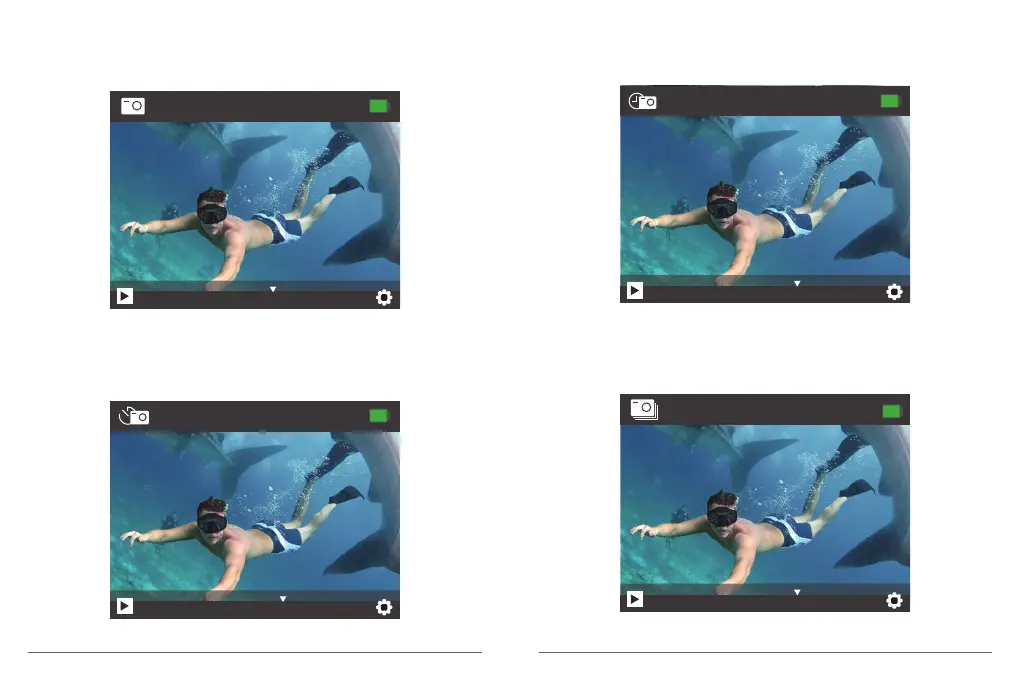
Press Mode button once to switch to Photo Mode after you turn on camera.
In Photo mode, press OK button, the camera takes a photo.
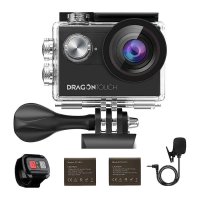
Self-timer Mode
In Self-timer mode, press OK button, it takes a self-timer photo.
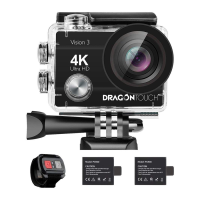
Continuous Lapse Mode
In Continuous Lapse mode, press OK button, this camera takes continuous lapse photo.
8838
16M
Photo
8838
16M
Self-timer
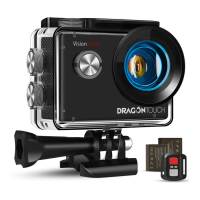
Burst Photo Mode
In Burst Photo mode, press Shutter button, the camera takes 3 photos per second.
8838
16M
Continuous
8838
16M
BurstPhoto
09 10


 To Next Page