6
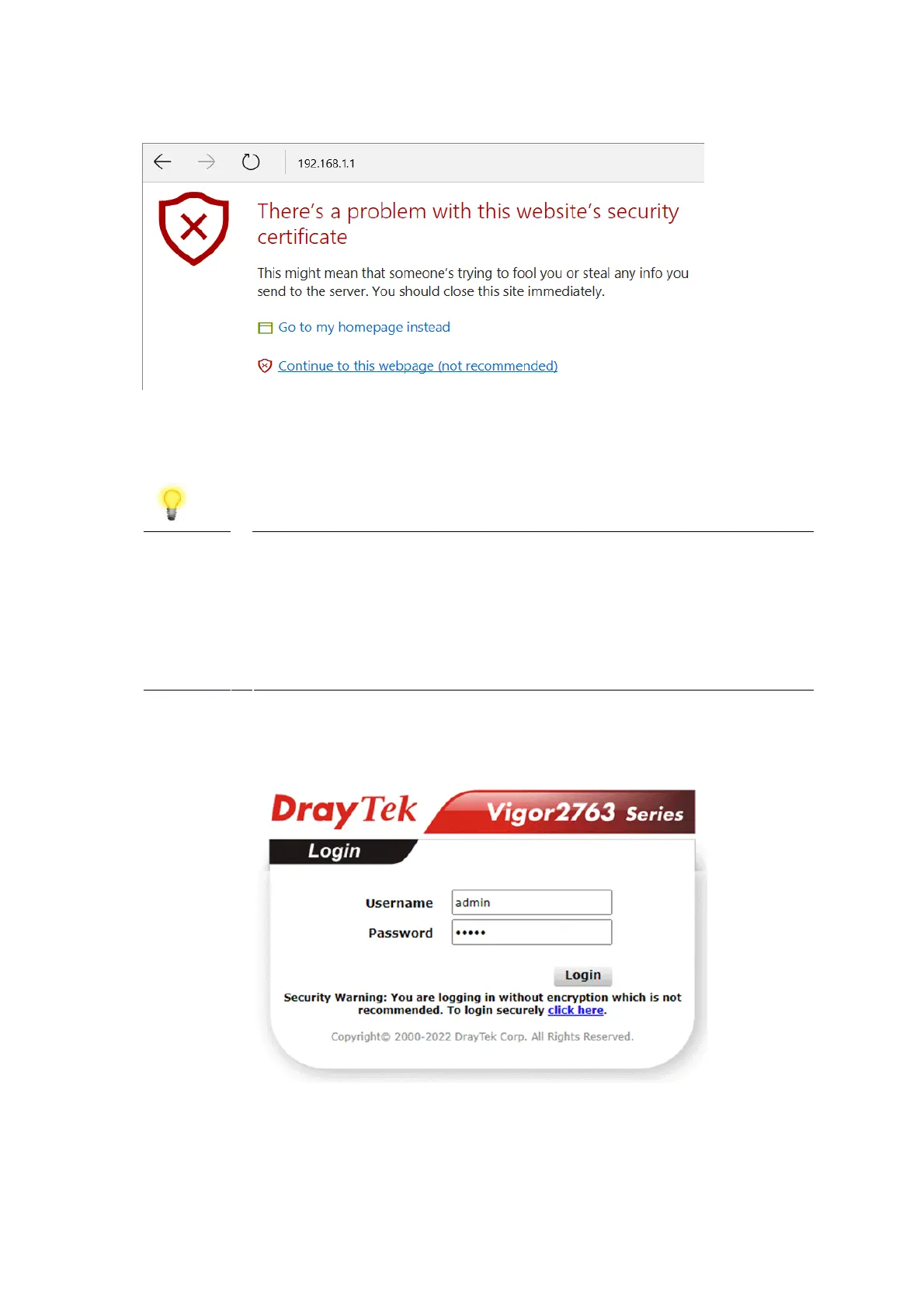
An example from Microsoft Edge, click “Continue to this webpage” to proceed:
Most other browsers will present equivalent warnings. In each case, following the
prompts/links will allow you to access the router's web interface. It is still
encrypted with SSL/TLS.
Note This warning appears because the router's default certificate is
'self-signed' rather than issued to you by a certificate authority
who has verified your identity.
A self-signed certificate means that you cannot verify the
identity of the server, but as it's your own local router, that
shouldn't be an issue - your connection is still encrypted.
The router login prompt will then request a username and password to allow
access.
The factory default login details are:
Username: admin
Password: admin











 To Next Page