7
Note If you cannot access the web interface, please go to the “Trouble
Shooting” section in the User Guide to determine the cause of
and solve your problem.
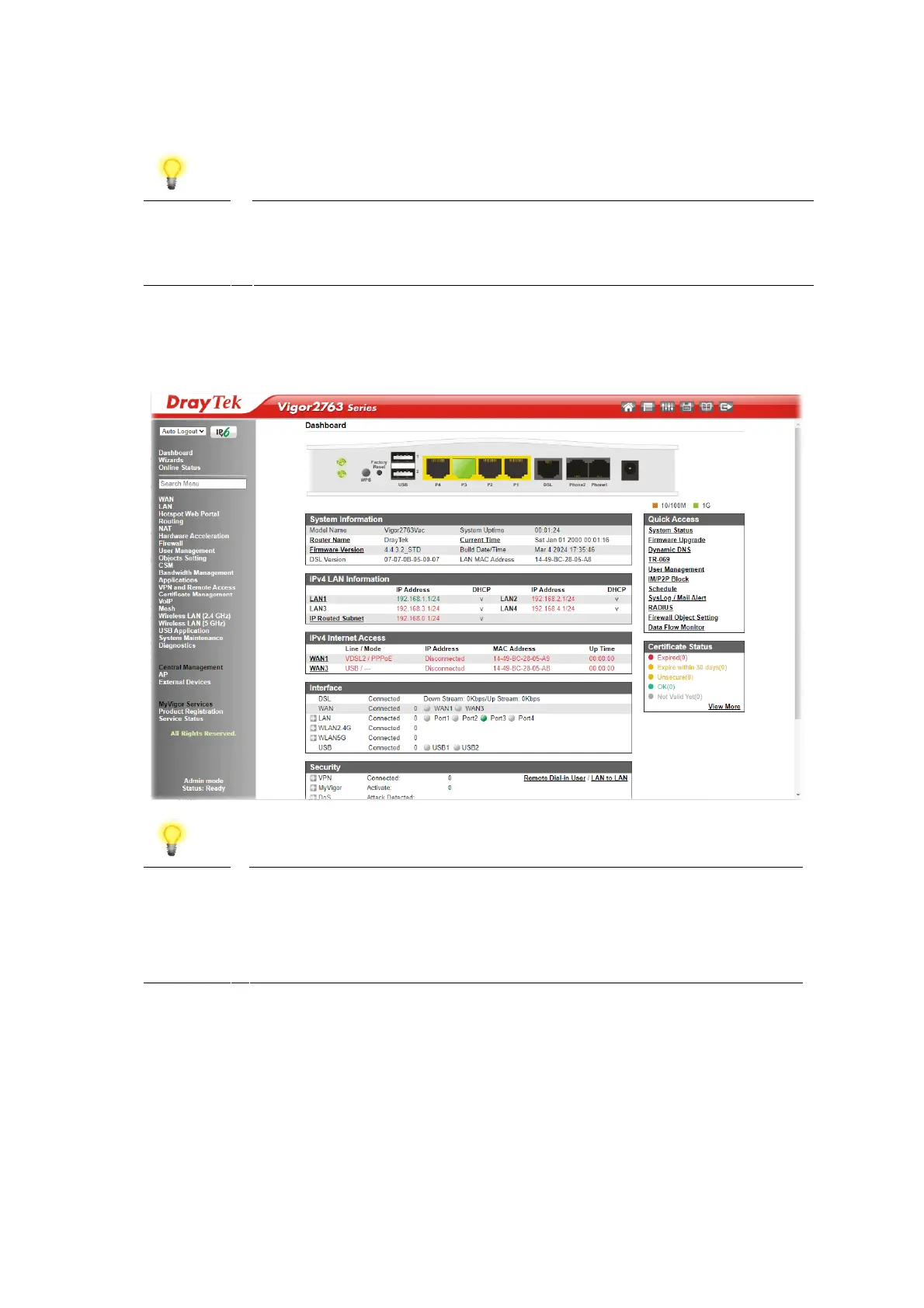
Upon successful login, the router will display the Dashboard, which shows a
summary of the router model, WAN status, front panel port status and other
information:
Note We recommend configuring a secure password when first logging
in to the router’s administration interface.
The router’s administration password can be changed from
[System Maintenance] > [Administrator Password]











 To Next Page